Arrowboard Controllers
Ver-Mac 2019 Arrowboard Operation, Safety and Maintenance Manual - 1 27
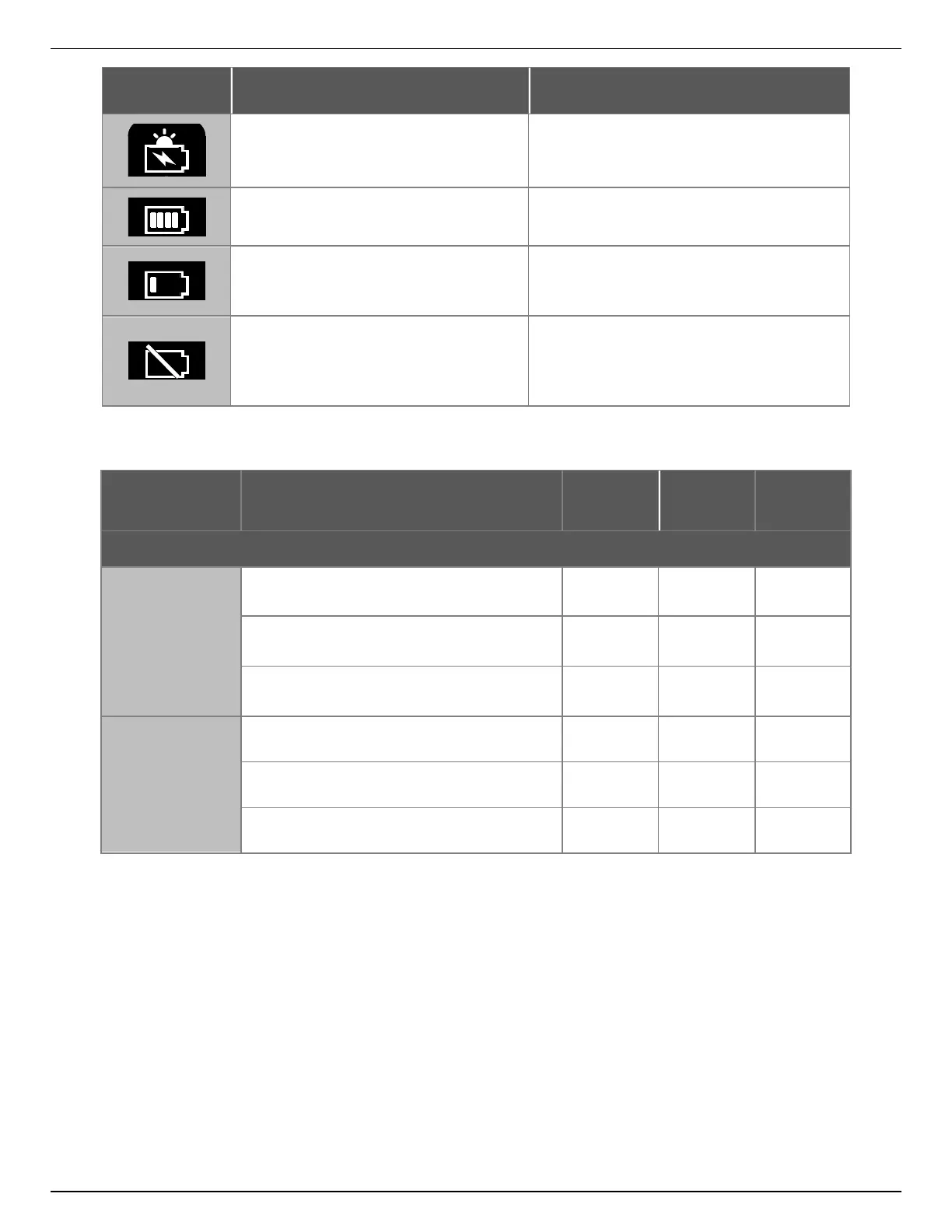
The solar panel is charging the
batteries
Batteries are fully charged
Charge using a 5 A charger unless the
battery is charging through the solar
panel (first LED).
Connect the charger for 2 hours to see
if batteries are simply discharged. If
they don’t charge, call the Ver-Mac
support for more instructions.
Controller Module Maintenance Check (in Battery Box)
All Connections
and cables
Verify condition and finger-tighten all
terminals.
Check for proper functioning, no loose
wires touching other terminals.
Ensure that the cable to the controller is
secured at intervals to the structure.
Verify condition (clean, undamaged).
Check for proper operation.
Check all lamp functions/modes.
5.15 Arrowboard Controllers
There are two types of controller for arrowboards:
The V-Switch controller located behind the arrowboard.
An optional V-Touch AB touchscreen controller located inside the battery box.
5.15.1 V-Switch Controller Module
The front panel of the controller module is essentially the same for all arrowboards
manufactured after January 2019.
Seen from left to right on the front panel, the panel controls are:


 To Next Page