Consoles
Step 1 (Optional)
Please backup your data prior to installation and follow the
instructions on your console. Failure to do so may result in data
being erased.
Step 2
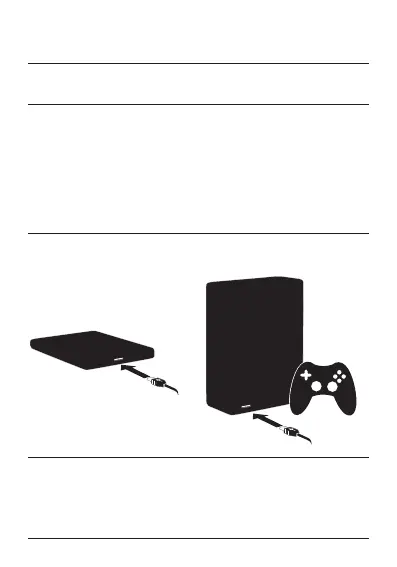
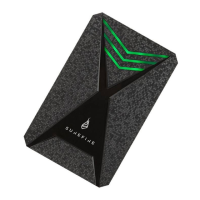
Connect the interface cable to your SureFire device and the port
of your console.
Step 3
Please follow the instructions on your console.
To protect your data always follow the safe removal procedures for
your operating system when disconnecting your device.










 To Next Page