3
Verdant VX-TW Network Installation
Table of Contents
Whitelisting the Server ..................................................................... 5
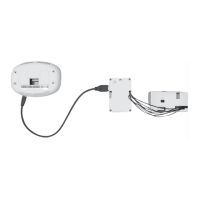
Installing the Online Connection Kit ................................................... 6
1. Connecting the Antenna Module ...................................................... 6
2. Connecting the Ethernet Cable ..........................................................7
3. Powering on the Server ......................................................................7
Installing Thermostats ...................................................................... 8
4. Linking the Thermostat and the Wireless Control Card ................... 9
5. Installing the Wireless Control Card ................................................10
6. Mounting the thermostat to the wall; ..............................................11
Configuring Thermostats .................................................................. 12
7. Setting the thermostat clock ........................................................... 13
8. Entering the room number .............................................................. 14
9. Configuring the Equipment Settings - Compressor Type ................ 15
10. Configuring the Equipment Settings - Electric Heat ....................... 16
11. Configuring the Equipment Settings - Reversing Valve ....................17
12. Configuring the Energy Saving Settings ......................................... 18
Testing Thermostats ........................................................................ 19
Confirming Network Connectivity .....................................................20
Troubleshooting .............................................................................. 21
Warranty ........................................................................................ 22
Technical Specifications ...................................................................24


 To Next Page