9
Verdant VX-TW Network Installation
Installing Thermostats
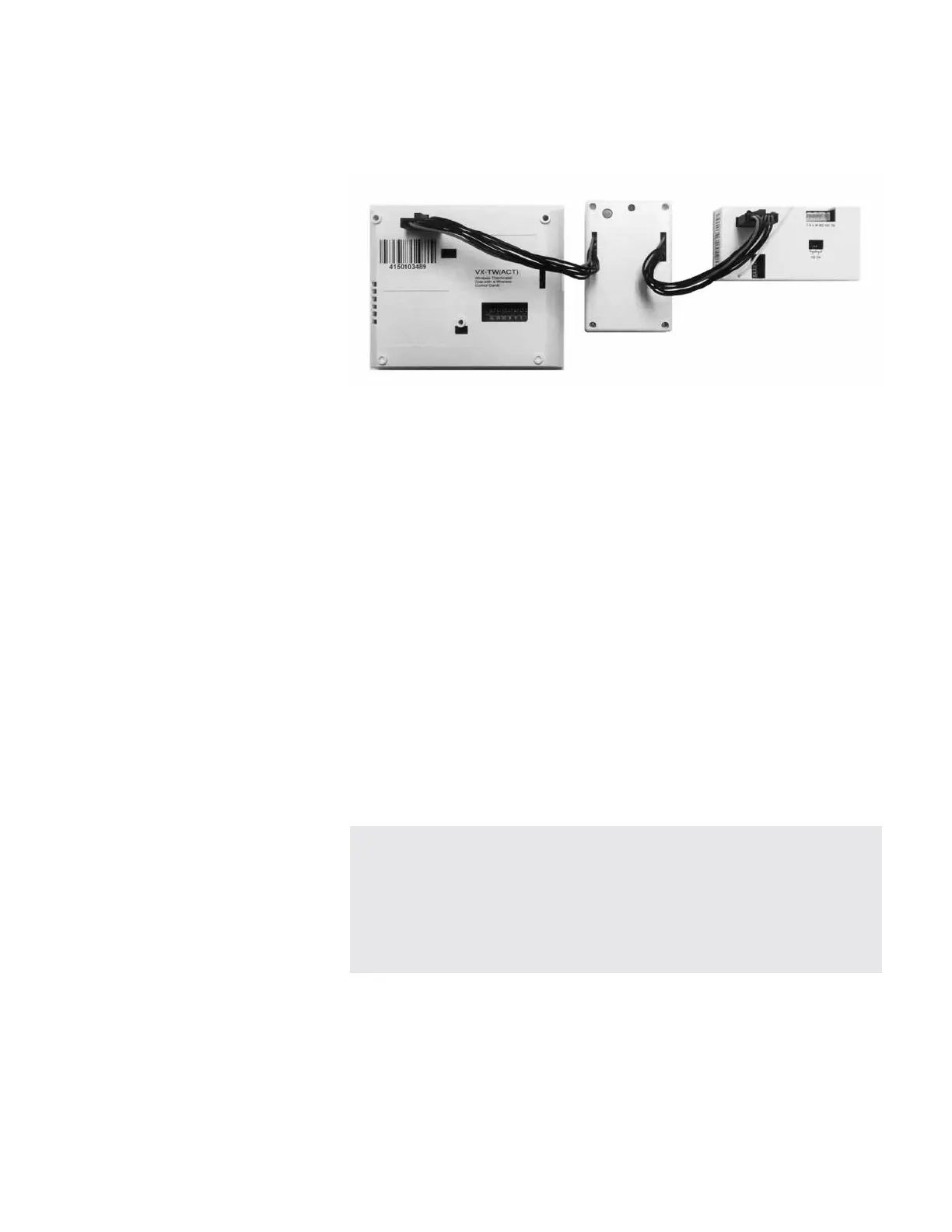
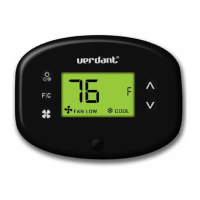
4. Pairing the Thermostat and the Wireless Control Card
4.1. Plug one Network Programmer connector into the T-shape opening
on the Thermostat;
4.2. Plug the other Network Programmer connector into the T-shape
opening on the Wireless Control Card;
4.3. Push the Black Button on the Network Programmer.
The red light on the Network Programmer will turn on and remain
steadily lit;
If the red light on the Network Programmer is blinking or is not
steadily lit, the thermostat and the control cards have not been
programmed correctly. Unplug the Network Programmer connector
from the thermostat and the control card and repeat the steps
above.
4.4. Unplug the Network Programmer from the thermostat and the
control card;
THERMOSTAT AND CONTROL CARD MUST NOT BE POWERED
DURING THE PAIRING PROCEDURE. DO NOT INSERT BATTERIES IN
THE THERMOSTAT AND DO NOT CONNECT THE CONTROL CARD TO
THE HVAC UNIT DURING THE PAIRING PROCEDURE.


 To Next Page