DEVICE SETUP
Using the Magnetic Card Reader
20 E280 INSTALLATION GUIDE
3 Wait for the application to indicate a completed transaction before removing
the card. Premature card removal invalidates the transaction.
Figure 5 Inserting a Smart Card
Using the
Magnetic Card
Reader
Use the magnetic stripe reader to perform credit and debit card transactions.
To Conduct a Debit or
Credit card
Transaction
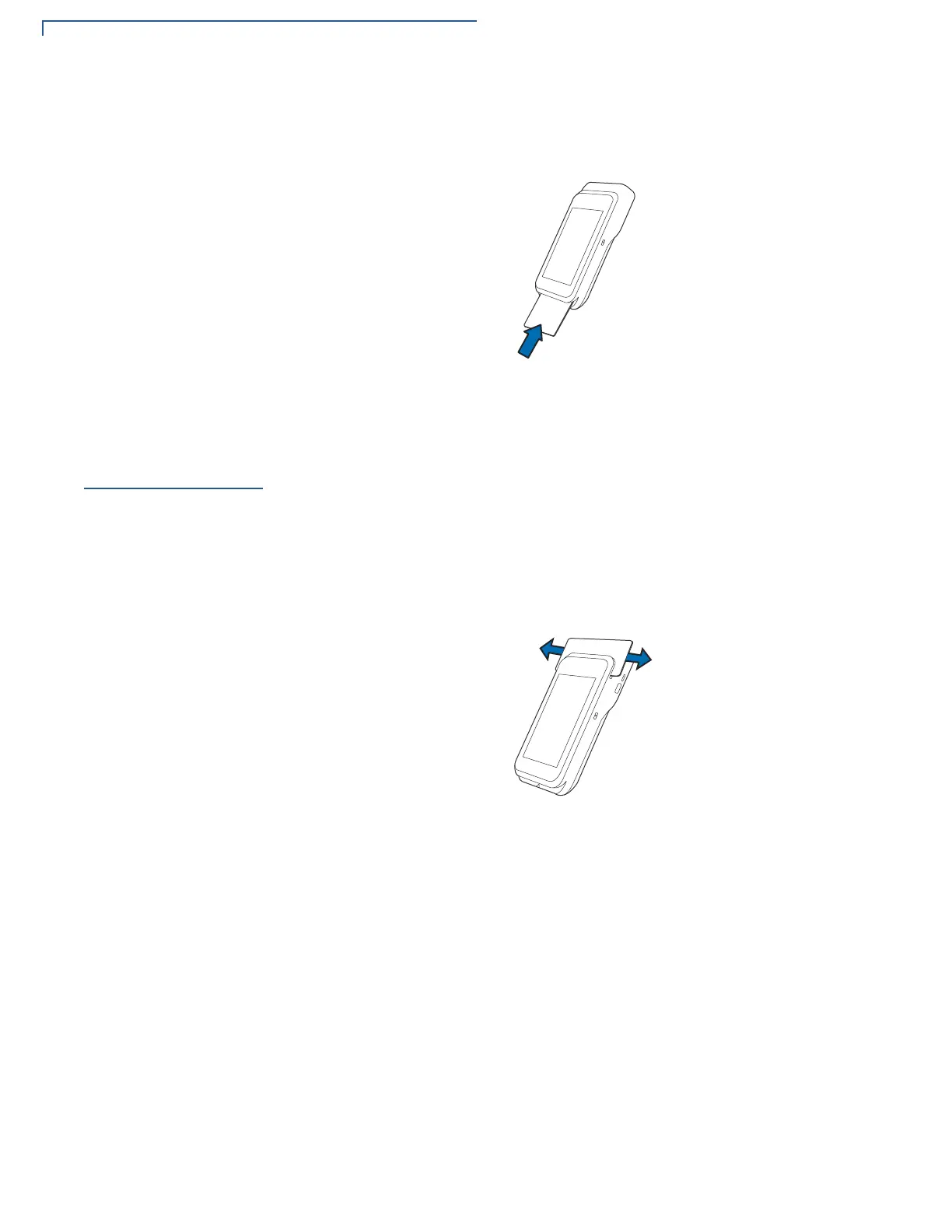
1 Position the card with the magnetic stripe facing backwards.
2 To ensure a proper read of the magnetic swipe card, insert the magnetic card
from the top of the device and swipe the card from left to right, as shown in the
illustration below.
Figure 6 Using Magnetic Stripe Card
3 Swipe the card through the magnetic card reader.













 To Next Page