MX 900 Series Installation Guide 13
May 13, 2015
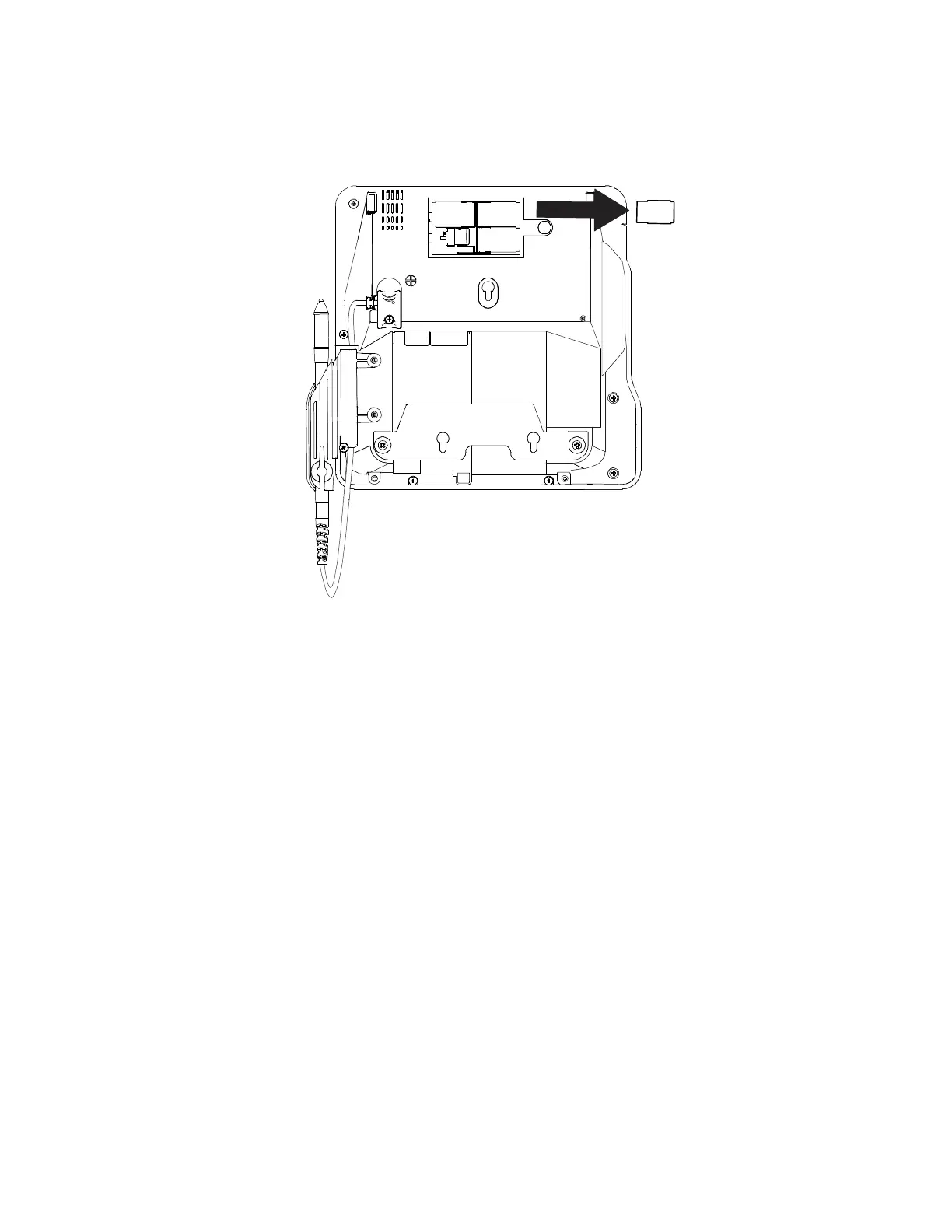
4. Remove any previously installed MSAM or SD card by sliding the card from
the cardholder.
Note: Before inserting the SD or MSAM card, position it with the card’s
gold contacts facing the smart card reader end of the terminal.
The cardholder connector base has a set of contacts and a notch
on one corner to ensure the card is positioned correctly. The card
has a notch on one corner to ensure that it fits into the connector
base in only one way. The card compartment door will not close
properly if the cards are installed incorrectly.
5. Install an MSAM or SD card by aligning the card and carefully sliding it
within the guides on the cover until it is fully inserted.



 To Next Page