MX 900 Series Installation Guide 15
May 13, 2015
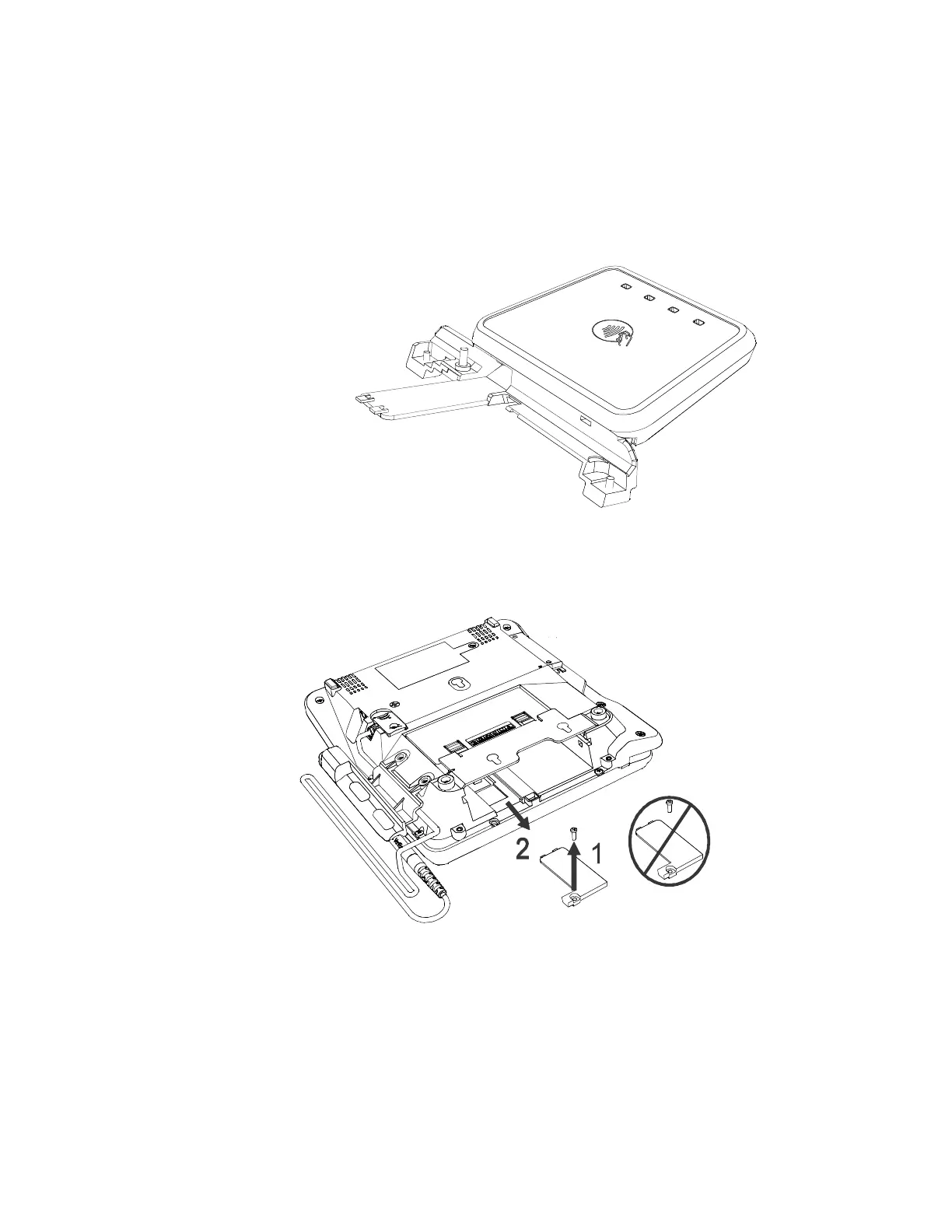
Installing the Optional Contactless Module on the MX 925
Use the following steps to install the Optional Contactless Module on the
MX 925.
MX 925 Contactless Module, P/N P132-913-00-R
1. Remove the screw.
2. Lift the cover and slide out.
3. Discard the cover and screw.



 To Next Page