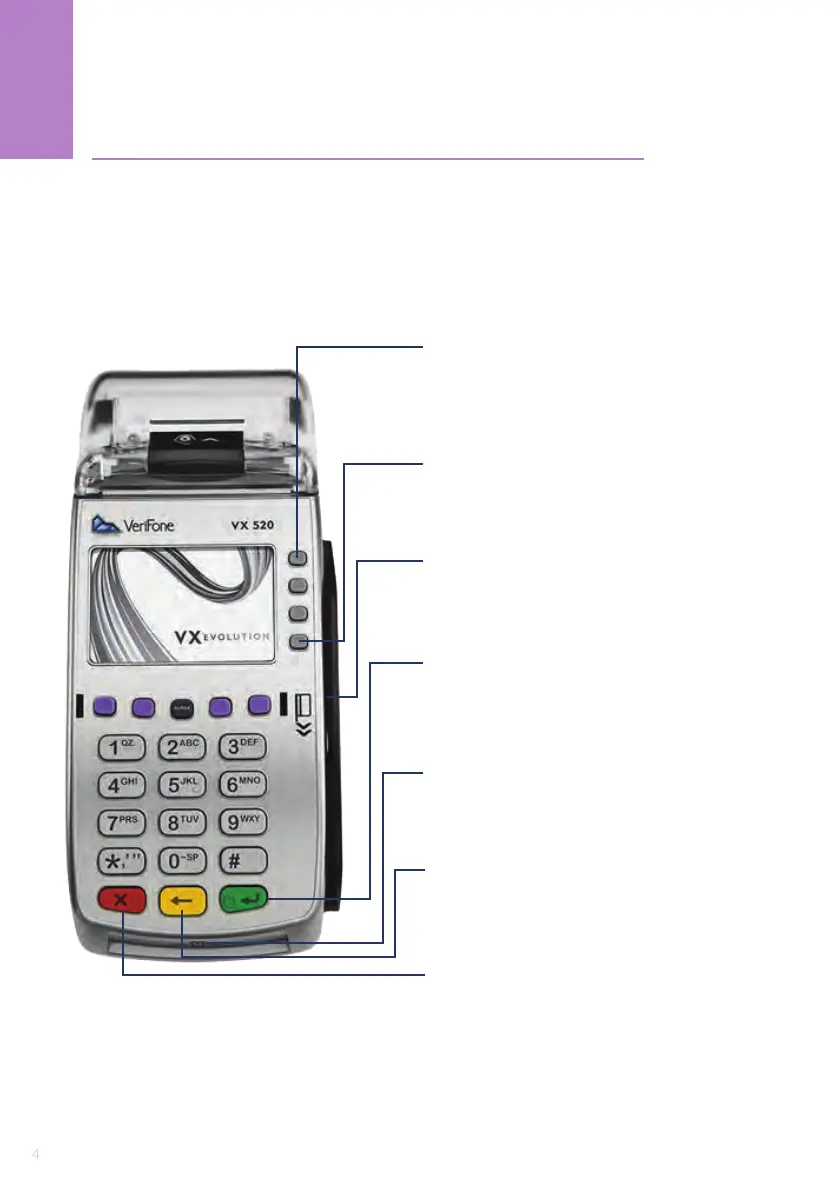
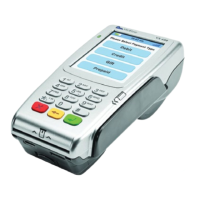
F1 Button
Displays the next transaction when a list
is available, used in the ‘correction’ and
‘authorisation’ completion flow
F4 Button
Menu
Magnetic Swipe Card Slot
The magnetic strip must face inwards
towards the terminal
Enter
Press enter to confirm a setting or
accept an amount or other entries
Chip Reader
Firmly insert the card chip facing upwards, chip first
Clear
Back space or delete entered values
Cancel
Exit screen and display the application version number
1
VX 520 Device Description










 To Next Page