www.veritas.com Page
43
VERITAS NetBackup Release 3.4 Technical Overview
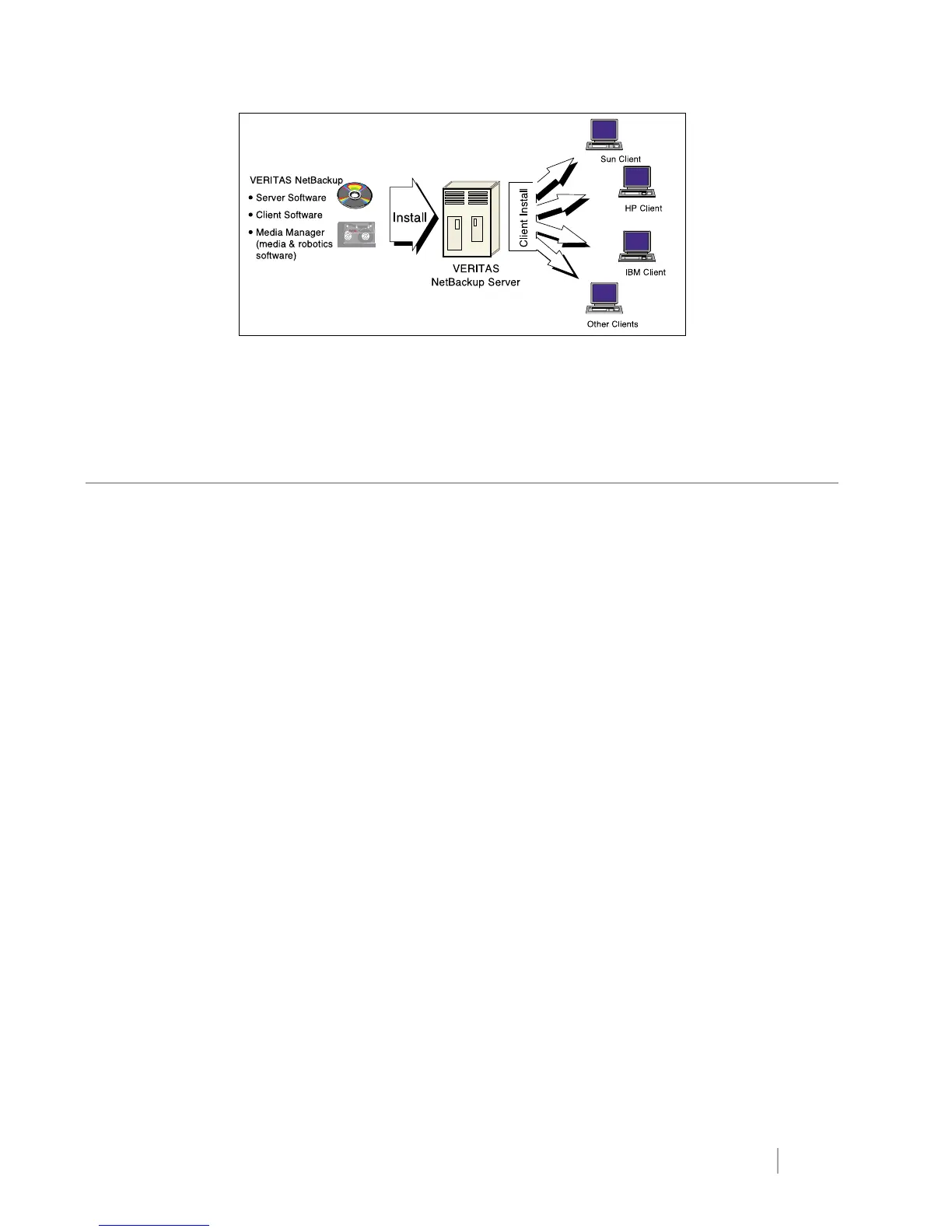
Figure 34: UNIX client software installation.
Configuration
During initial configuration, the administrator can start with the default options, which were carefully chosen to meet most
of the requirements for typical installations. From this point, well-designed administrator interfaces and wizards along with
online help and ample documentation make it easy to customize the setup for a specific site.
The main tasks involved in completing the configuration are:
• Identify the storage devices that are available to Media Manager (serialized hardware is automatically discovered)
• Register media for use as volumes by Media Manager
• Define the type and density of devices that will be in the storage units
• Define VERITAS NetBackup classes including:
• Clients in each class
• Files to back up on the clients
• Backup schedules
The interfaces provide change options that make it easy for the administrator to modify the values set during the initial
configuration. Tape drives and robotic devices are automatically discovered (as long as the hardware supports device
serialization – most current hardware does).


 To Next Page