Mounting the Device
Horizontal Mounting
Place the device on a smooth surface with good ventilation. Place it at least 4 inches away from other
objects.
Vertical Mounting
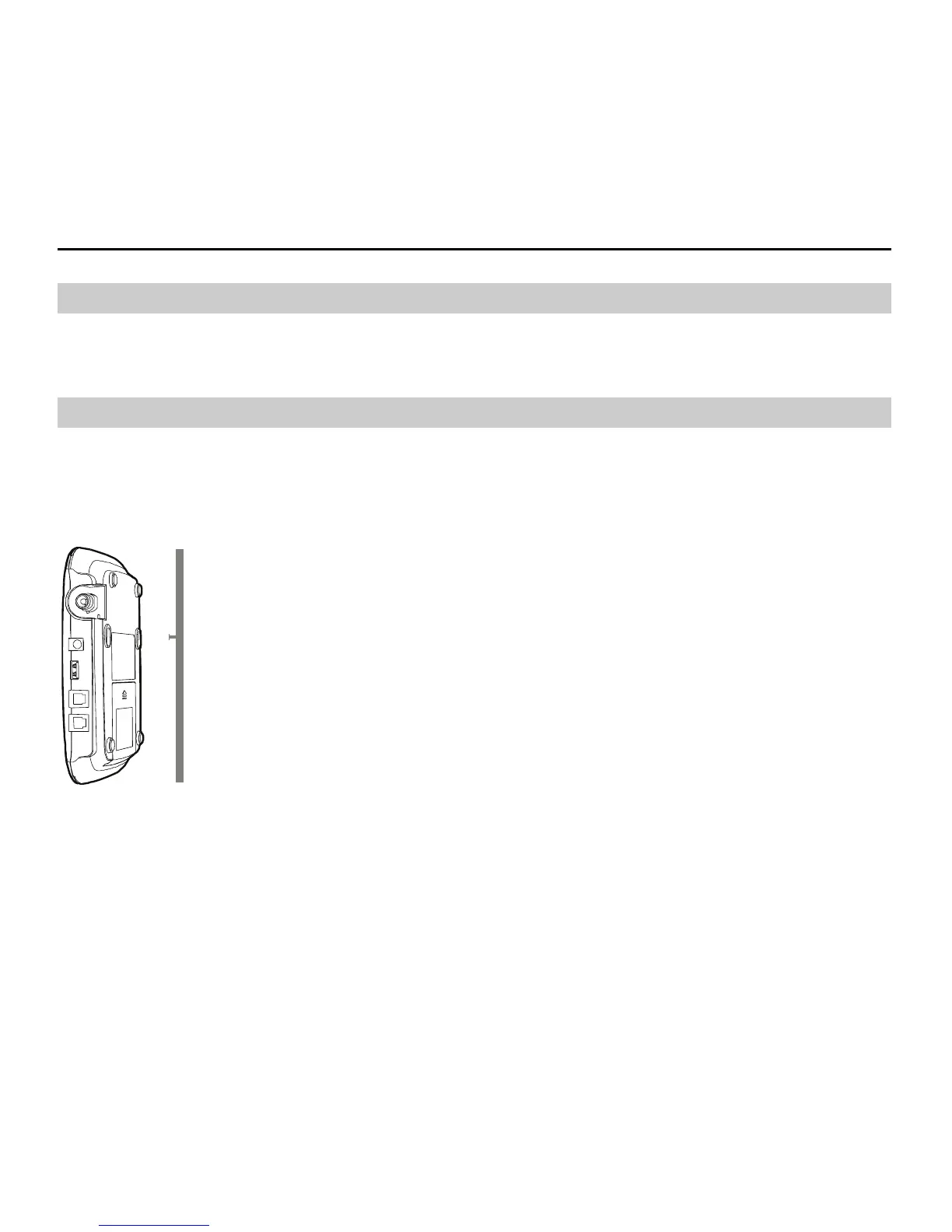
Fix two wall screws into the wall with the screw heads extending approximately 0.1 inches from the
surface of the wall. The diameter of a screw head should be between 0.22 inches and 0.28 inches. The
distance between two screws should be 3 inches. Align the mounting brackets with the screws, push the
device towards the wall, and connect the brackets with the screws ensuring that the device is stable.
7



 To Next Page