Understanding the Indicators
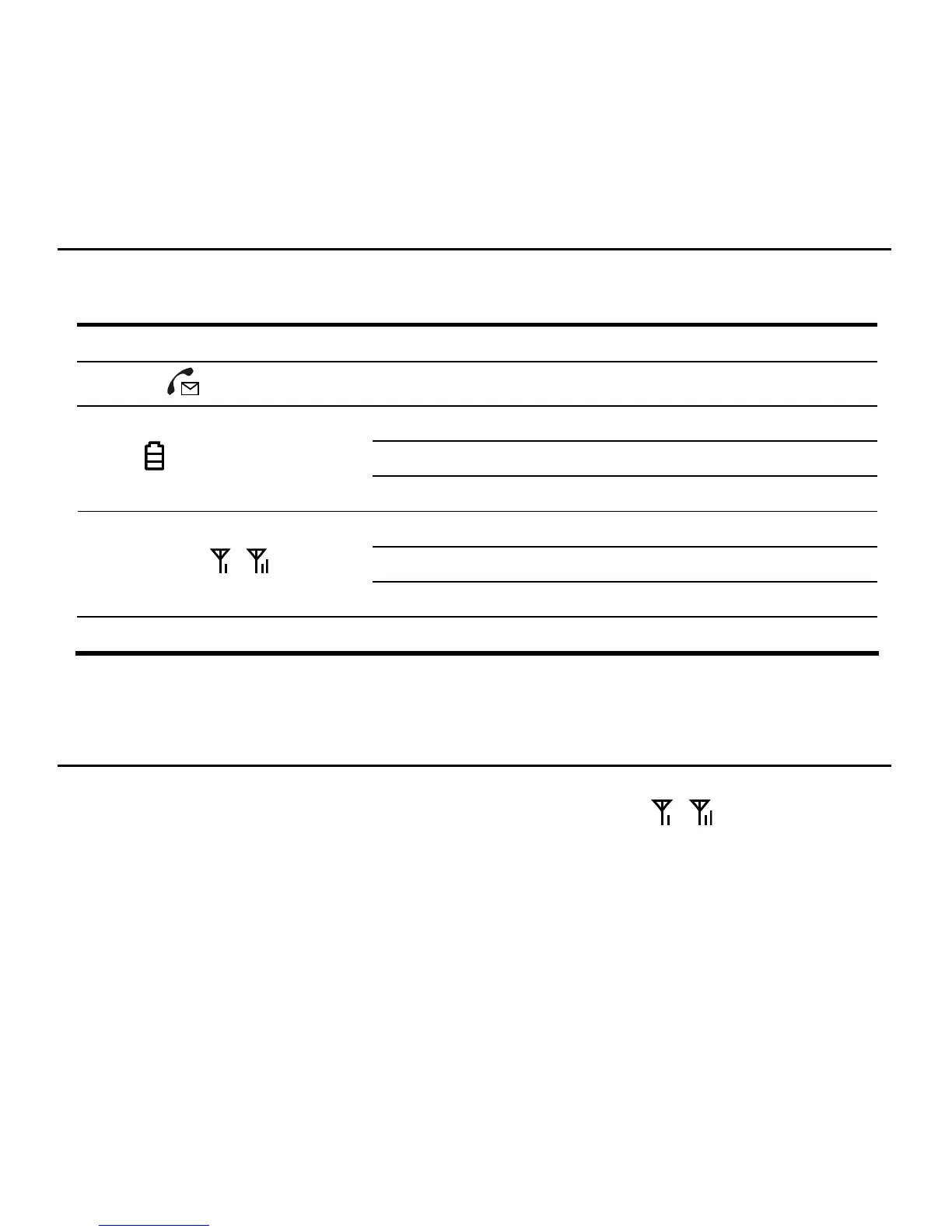
The table below describes possible states for each of the device indicators.
Icon Indicator Status
Voice mail
Blinking Blue New Message
Blue Full Charge
Blinking Blue Partial Charge
Battery
Blinking Red Low Charge
Both Blue Strong
One Blue Moderate
Signal Strength
One Blinking Blue Weak
Power Blue The device is on
Making Calls
1. Before making a call, make sure at least one signal strength indicator ( ) is lit up (or
blinking).
2. Place a call by entering the desired telephone number. The number will be dialed automatically.
3. When your call is complete, hang up or return the phone to the receiver to ensure that you can
receive calls.
9



 To Next Page