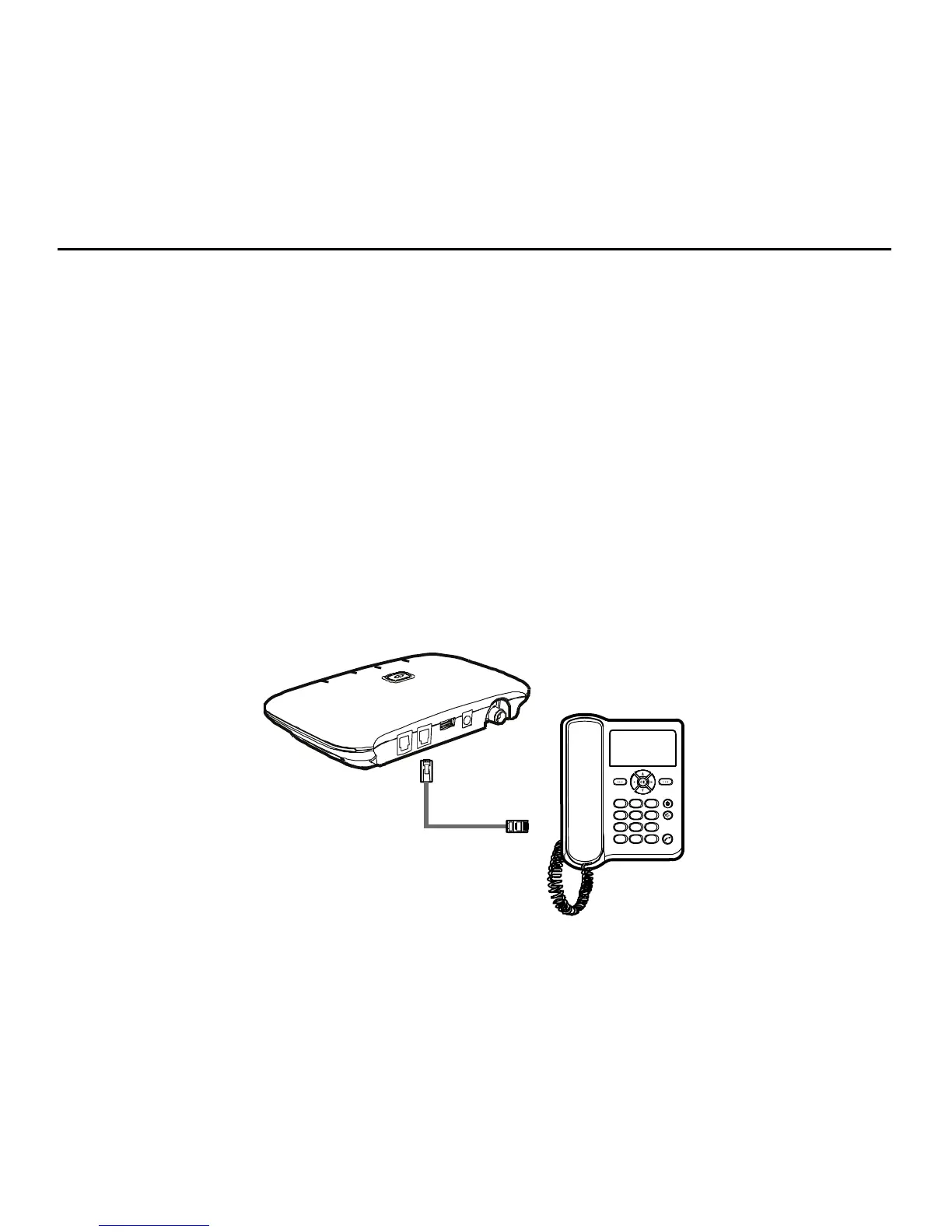
Connecting the Device to a Telephone
The device provides two telephone ports. The ports use the same telephone number.
Plug one end of a telephone cable (RJ11) into a telephone port and the other end into the back of a
home telephone or home telephone base unit.
Do not plug Home Phone Connect into your telephone wall jack. This configuration is not supported
unless you have taken steps to disconnect the landline wires coming into your home.
Note:
y The telephone cable is not included.
y The device and telephone cable are for indoor use only.
y Only corded telephones connected directly to the Home Phone Connect will receive
service.
y If the Home Phone Connect is connected to a cordless phone base station, any extension
phones compatible with that base station will also receive service.
6



 To Next Page