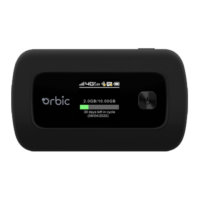
Inserting and Charging the Battery
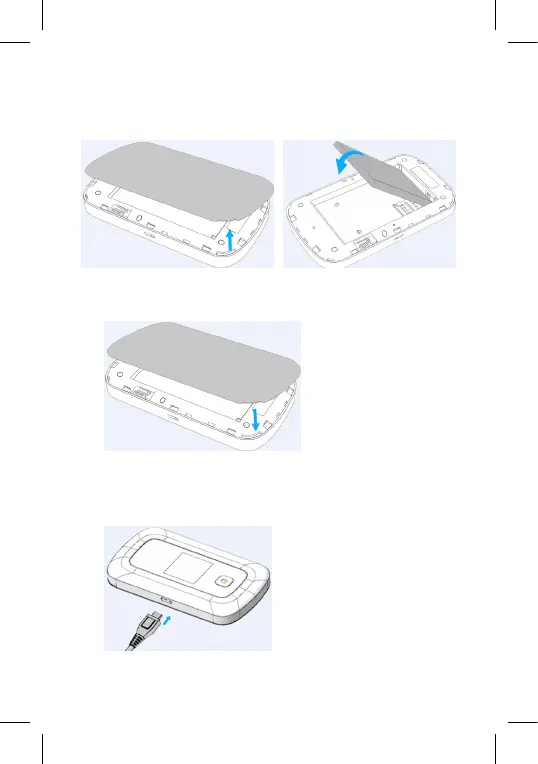
1. Use the thumb catch at the bottom of your Orbic Speed to open
the battery cover and align the battery contacts with the terminals
in the battery compartment as shown. Push the battery down until it
clicks into place. (Figure 1 and 2)
2. Place the battery cover over the battery compartment and press it
downward until it clicks into place. (Figure 3)
3. Your Orbic Speed comes with a charger. To charge, plug it into an
electrical outlet. Connect the USB cable to the charger and the
other end into the Orbic Speed Type-C Port. (Figure 4)
Figure 3
Figure 1 Figure 2
Figure 4


 To Next Page