55
Re-assign emergency contacts
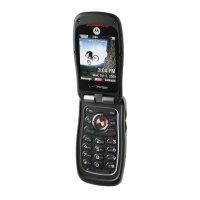
1. Slide the phone up and press the OK Key [MENU],
select Contacts and press the OK Key. Select In
Case of Emergency then press the OK Key.
2. Select the contact you want to re-assign and press
the Right Soft Key [Options]. Select Re-assign and
press the OK Key.
3. Select From Contact or New Contact to assign another
contact or add a new contact as the emergency contact.
Erase assigned emergency contacts
1. Slide the phone up and press the OK Key [MENU],
select Contacts and press the OK Key. Select In
Case of Emergency then press the OK Key.
2. Select an assigned contact that you would like to erase
and press the Right Soft Key [Options]. Select
Unassign and press the OK Key.
Call an assigned emergency contact
1. Slide the phone up and press the OK Key [MENU],
select Contacts and press the OK Key. Select In
Case of Emergency then press the OK Key.
2. Select an assigned contact and press the Left Soft
Key [Call] or press the Send Key to call the contact.
Edit or Erase saved personal info
1. Slide the phone up and press the OK Key [MENU],
select Contacts and press the OK Key. Select In
Case of Emergency then press the OK Key.
2. Select Personal Info and press the OK Key [VIEW].










 To Next Page