22
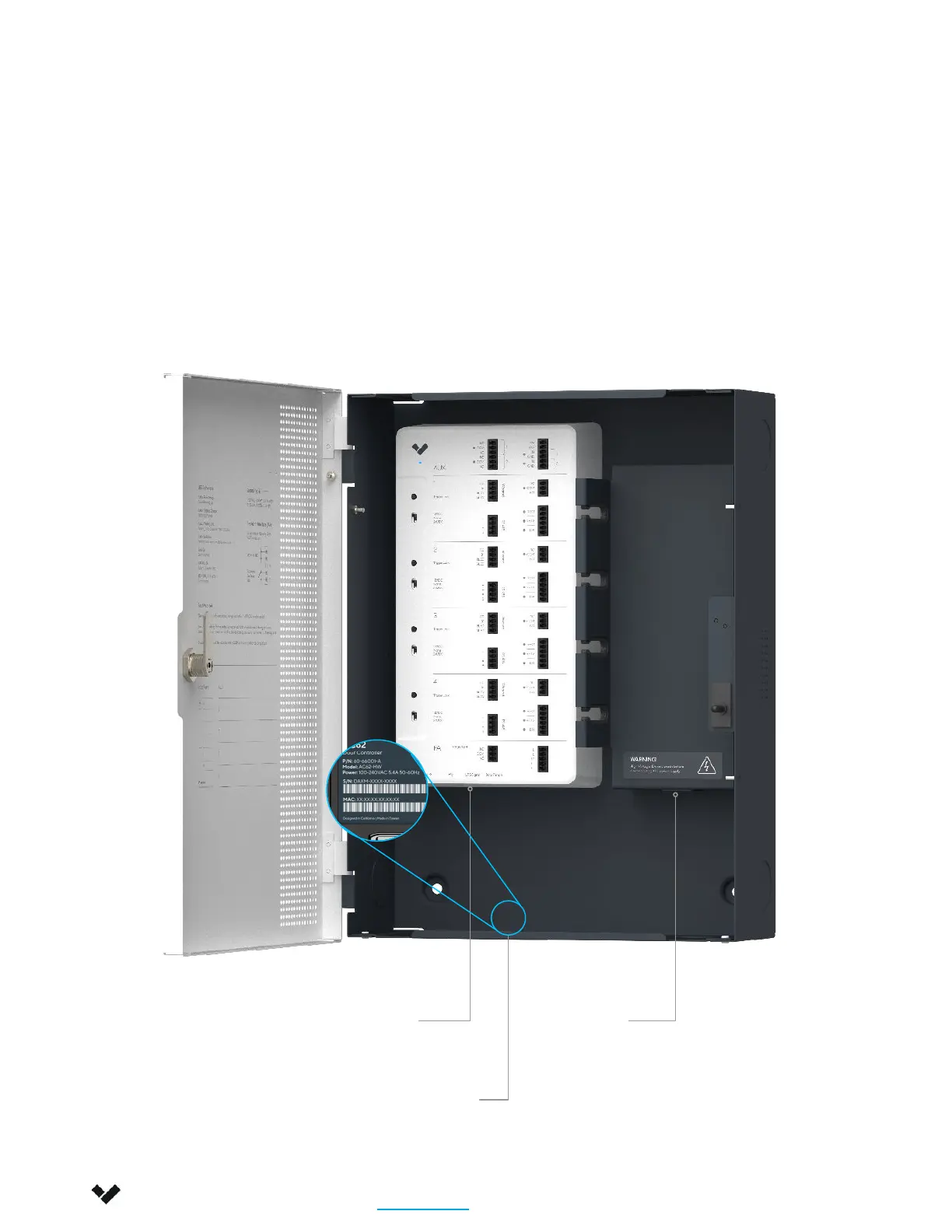
Connect the AC42 to your network using the Ethernet port located at the bottom of the controller.
Connect the AC42 power supply to your standard power outlet (100-240VAC).
To add the AC42 to your Verkada Command account, enter the serial number printed on the AC inlet (or
the order number) to the “Add Device” page: command.verkada.com/add-device
Ethernet AC Inlet
Installation
Connect
Verkada Inc. 406 E 3rd Ave, San Mateo, CA 94401
sales@verkada.com
All specifications are subject to change without notice
Copyright © 2023 Verkada Inc. All rights reserved.
Serial Number
QR Code


 To Next Page