EPMe-42 BIOS Reference Manual 1
Overview
The EPMe-42 BIOS is based on Phoenix SecureCore Technology* (SCT) Kaby Lake UEFI
Firmware with VersaLogic customizations and enhancements.
The board boots and BIOS begins execution when power is applied. After a few seconds, the user
may press the F2 or Del keys to enter BIOS Setup.
This manual details the editable items found in the EPMe-42 BIOS.
The table below lists the BIOS Setup program top-level menu bar features.
Table 1. Top-level Menu Bar Features
Menu Function
Main Displays processor and memory parameters
Advanced Configures advanced features, including CPU, IDE, and USB
Security Sets passwords and security features
Boot Selects boot device options
Misc Miscellaneous BIOS options
Save & Exit Saves or discards changes to Setup program options
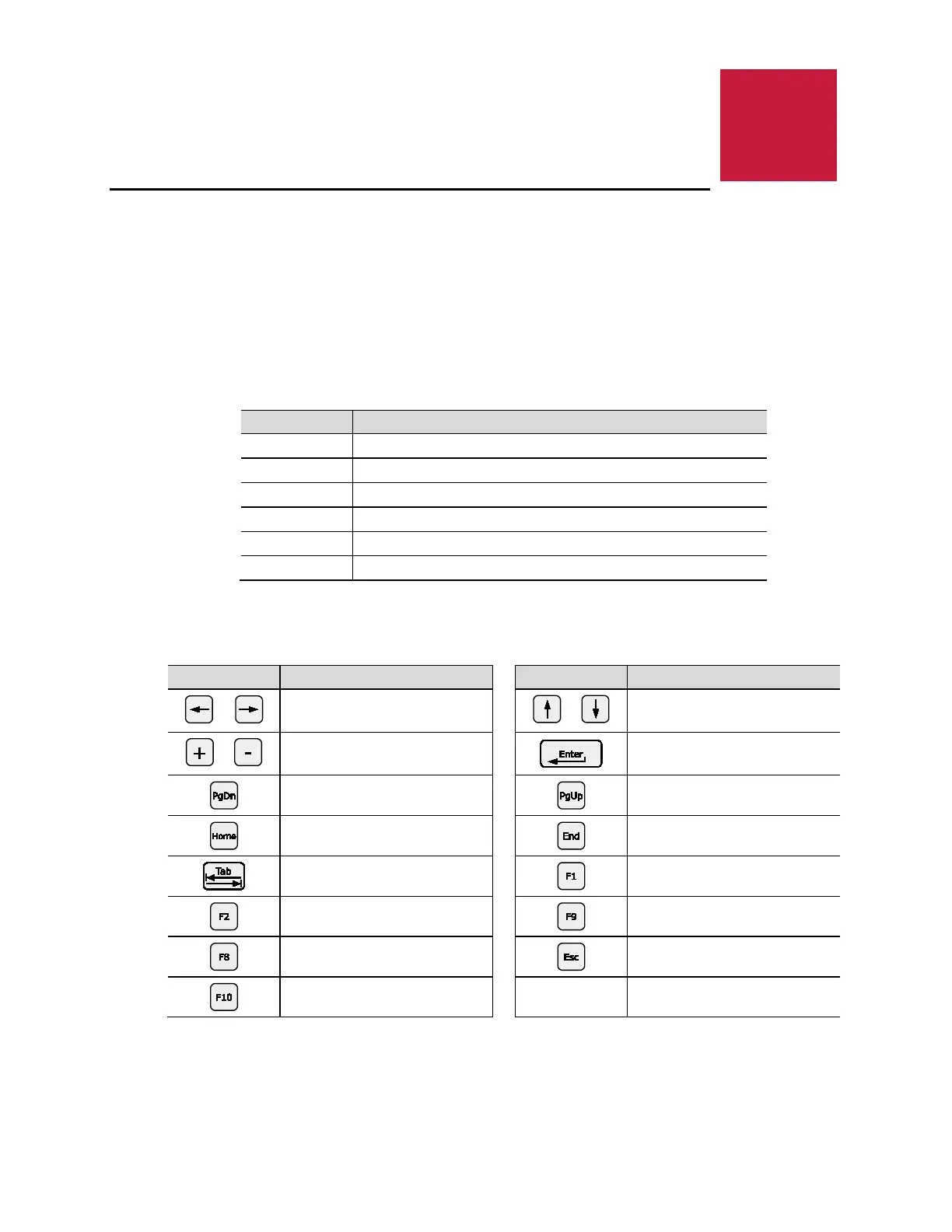
This next table lists the function keys available for menu screens.
Table 2. BIOS Setup Program Function Keys
Key Function Key Function
or
Selects a different menu screen
(Moves the cursor left or right)
or
Selects an item (Moves the
cursor up or down)
or
Changes option/field
Executes a command or selects
a sub-menu
Go to next page
Go to previous page
Go to top of screen
Go to bottom of screen
Select field
General help
Load Previous Settings
Loads optimal defaults
Loads failsafe default values
Exit
Save and exit



 To Next Page