To improve reception of distant stations, see Note: Attaching
external AM or FM antennas.
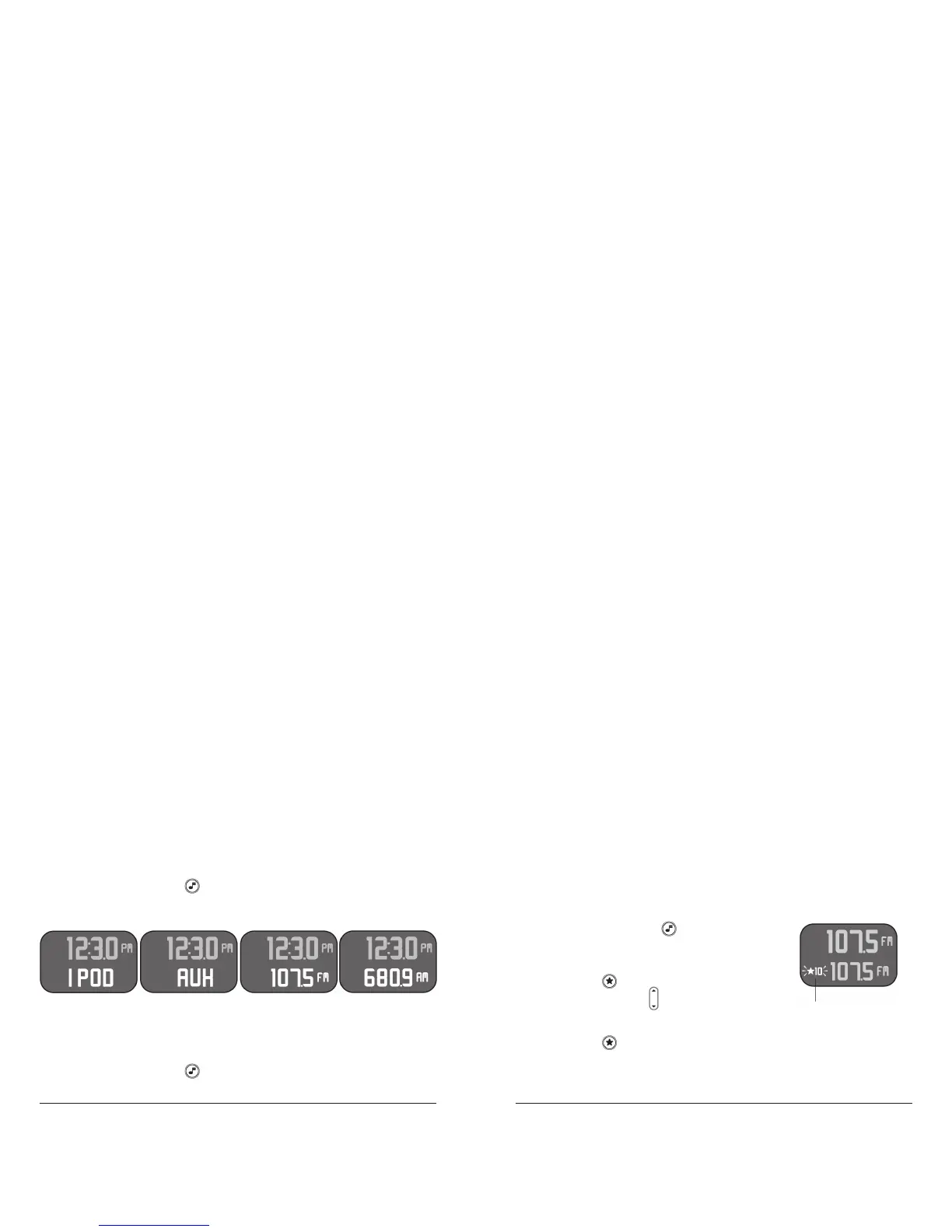
Saving and Recalling Favorite AM or FM Stations
With the power on, press to toggle to either
FM or AM modes. Use the Tuner knob on the
front of the unit to adjust to a desired station.
Press and hold until the Favorites icon &
numbers blink (1) . Use to select the desired
Favorites location 1 – 10.
Press and hold again to store the desired station in that favorites
location. Wait 5 seconds for the system to set. To set other stations,
repeat this process.
Changing the Mode
With the power on, press either on the unit or the remote to cycle
between iPod (1), Aux (2) (external audio source), FM (3), or AM (4)
functions.
Using the FM or FM Radio
With the power on, press to toggle to either FM or AM modes. Use
the Tuner knob on the front of the unit to adjust to a desired station.
12 3 4
1



 To Next Page