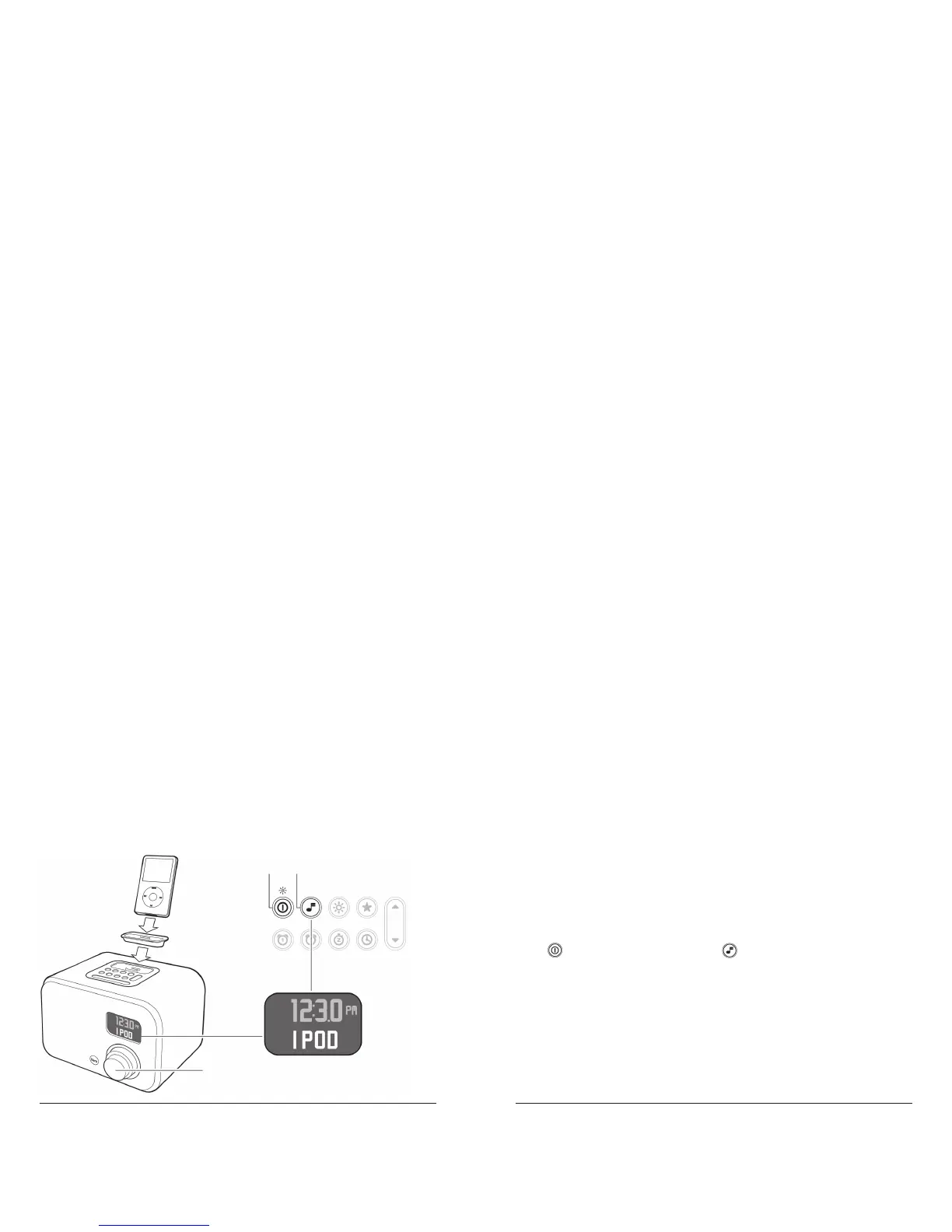
Connecting Your iPod
Select the appropriate iPod Adapter and place it in the iPod dock (1).
(refer to IPOD ADAPTERS on page 22.)
Place your iPod in the iPod dock (2).
Press to turn the unit on (3). Press to select IPOD mode (4) (refer
to Changing the Mode on page 26).
Your iPod will turn on automatically.
Turn the volume knob (5) to adjust the volume.
Your iPod’s volume control is suspended when connected to the
Note:
unit.
2
1
34
5



 To Next Page