Using Other Audio Devices with Vers
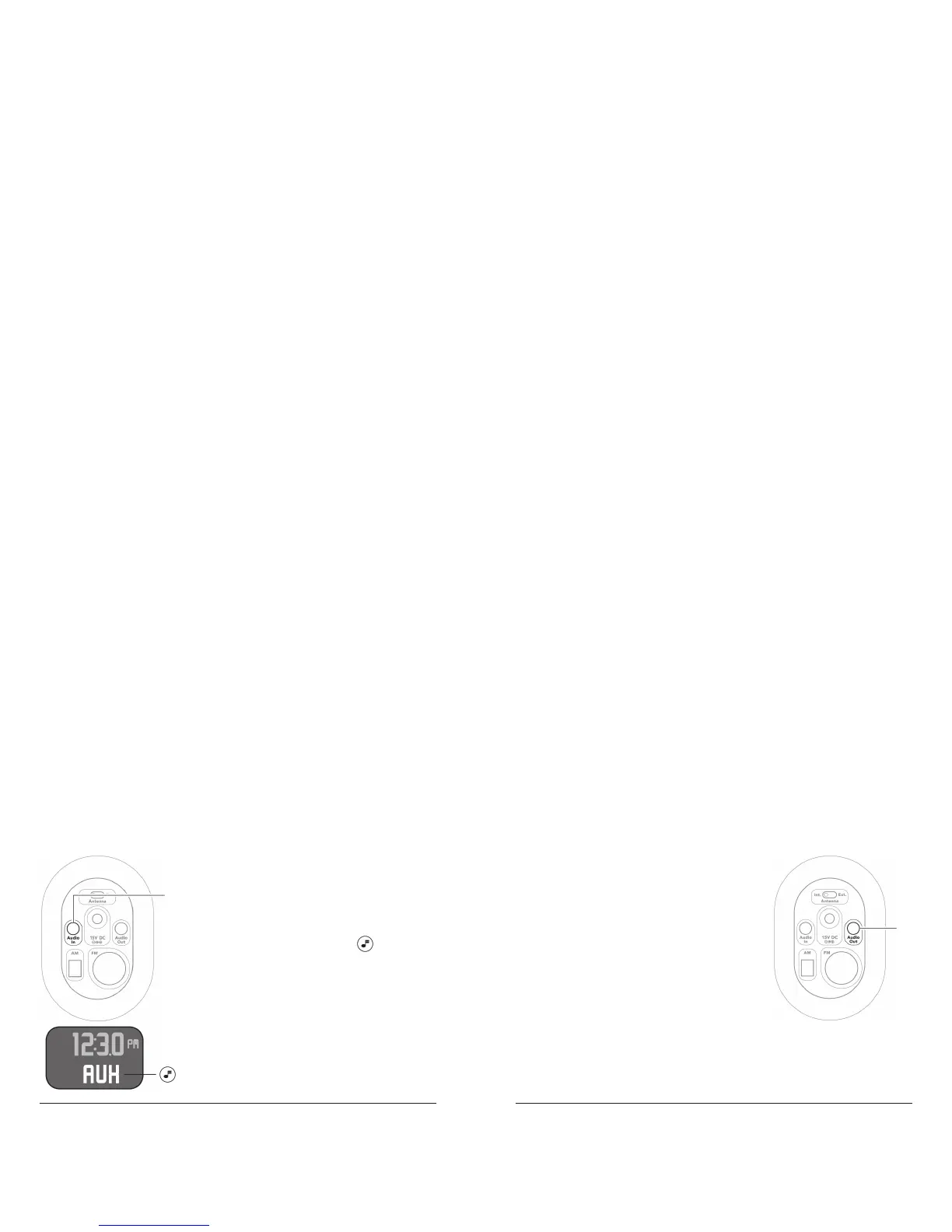
To use Vers 1.5R with an external audio
source, such as a CD player or an MP3
Player, insert one end of a 3.5mm cable to
the Audio In connector (1) on the bottom
of the unit. Select AUX with to listen
to the external source.
Since clearance from the connector
Note:
to the table surface is minimal, it is
suggested that you use a cable with a
right angle connector. If you do not have
a right angle connector, one may be
purchased on versaudio.com.
Connecting to External Audio Devices or
Using Earphones
You can play music from the Main unit
through auxiliary devices with dedicated
audio inputs such as earphones, a home
audio system, or a transmitter for wireless
speakers. Insert one end of a 3.5mm cable
to the Audio Out connector (2) on the
bottom of the unit and the other to the
audio in of the selected device.
Since clearance from the connector to the table surface is
Note:
minimal, it is suggested that you use a cable with a right angle
connector. If you do not have a right angle connector, one may be
purchased on versaudio.com.
1
2



 To Next Page