VX-800 OPERATING MANUAL
5
OPERATION
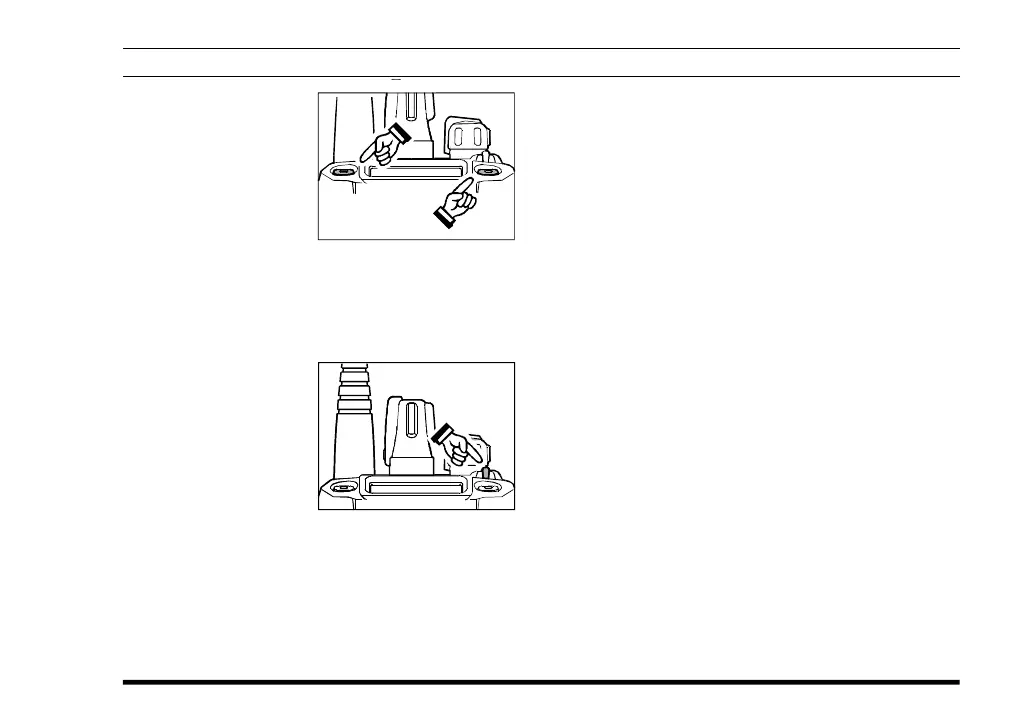
r Press the top panel’s
SEL1/SEL2 key to
activate one of the
preprogrammed func-
tions which may have
been enabled at the
time of programming
by the dealer. Similarly, when using the 16-key
version, the [A], [B], [C], and [D] function keys
activate one of these functions, if programmed
by the dealer. See the next section for details re-
garding the available features.
r Switch the top panel’s
Toggle Switch to the
[A], [B] or [Center]
position to activate
one of the pre-pro-
grammed functions
which may have been
enabled at the time of programming by the dealer.
When this switch is in the [A (left)], [B (right)]
or [Center] position, the feature programmed (by
your dealer) to that switch position will be acti-
vated. See the next section for details regarding
the available features.
r Press the DTMF keys on the telephone keypad
while pressing the PTT switch to send DTMF
tones (16-key version only).
r If a Speaker/Microphone is available, remove the
plastic cap and its two mounting screws from the
right side of the transceiver, then align the con-
nector of the Speaker/Microphone on the trans-
ceiver body; secure the connector pin using the
screws supplied with the Speaker/Microphone.
Hold the speaker grille up next to your ear while
receiving. To transmit, press the PTT switch on
the Speaker/Microphone, just as you would on
the main transceiver’s body, and speak into the
microphone on a normal voice level.
Note: Save the original plastic cap and its mount-
ing screws. They should be reinstalled when
not using the Speaker/Microphone.













 To Next Page