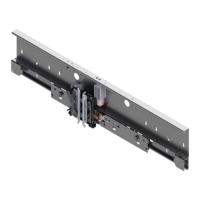
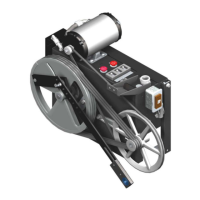
HD-98 Door Operator with OST Troubleshooting Guide
Printed in USA November, 2011
33
Door Operator I/O Checks
(continued)
3. If the WD LED is ON, press the MDO button. The doors should move in the open direction.
• If the doors do not move, or if the doors move in the closed direction:
a. Change the status of the J2 jumper (ON to OFF or OFF to ON)
b. Press the reset button to reset the door operator card.
• If the doors still do not move, or if erratic door movement occurs, perform the procedures
in “Phasing J2, Motor Leads, and Encoder Connections” on page 31.
4. Use the MDC button to repeat the previous step. The doors should move in the closed
direction.
Note: Use the OST when troubleshooting I/O. When a conflict occurs, use a meter to determine
whether it is a card or wiring problem. However, the OST will check more hardware than
the meter.
SE, EE, DR, and WDP 1. Check the I/O to the door operator. See Table 3.
2. Operate each device to see if the door micro is receiving each signal correctly.
3. Verify that the LED indicators for each input respond as shown in Table 3.
4. With the OST, verify that the door status indicates that the proper input has been activated.
Note: The DR input is not connected to the door operator card, therefore it cannot be verified on
the door operator OST.
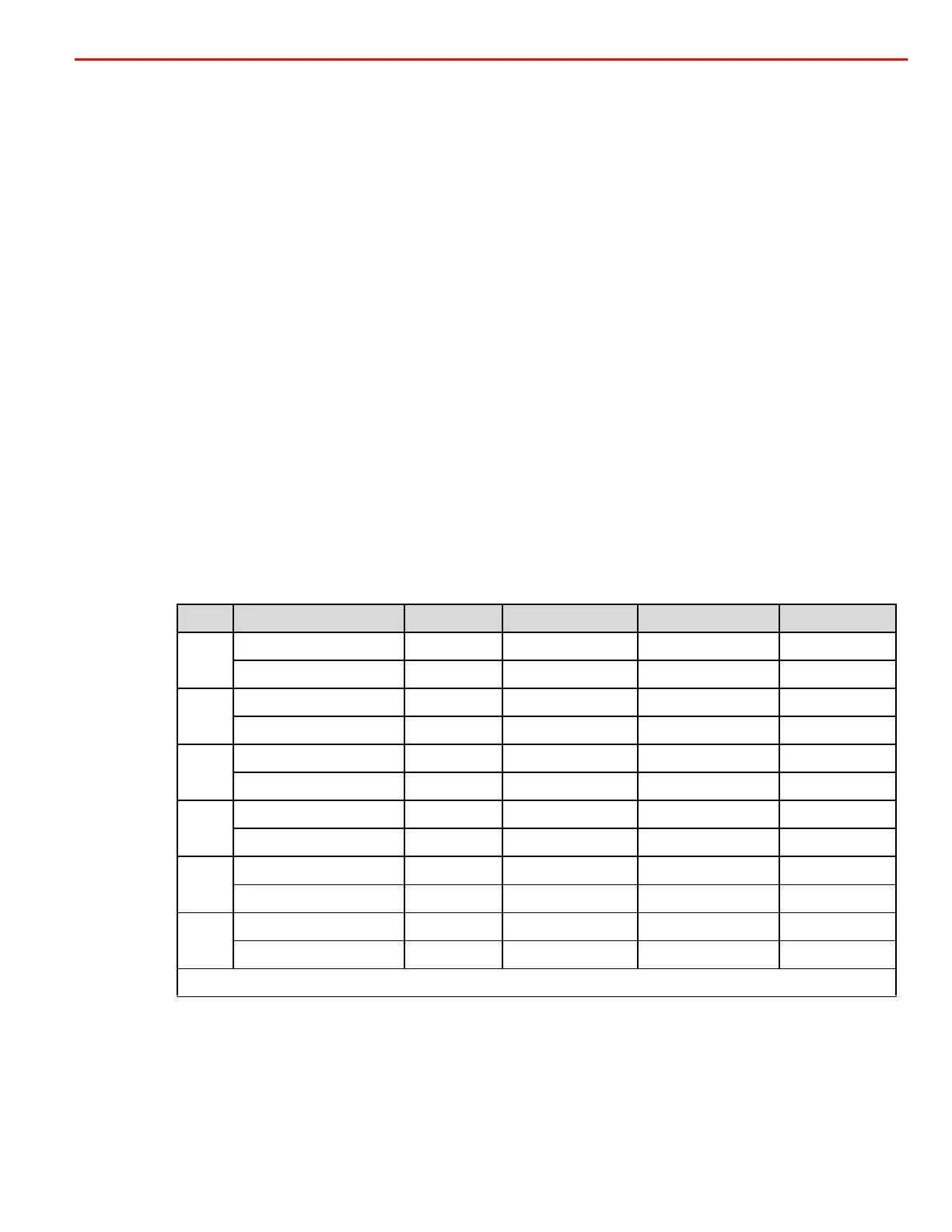
Table 3 - I/O Checks
Signal Condition Positive Common Volts Condition
SE
Safety edge activated SE (DOC4-1) G24 0 VDC OFF
Safety edge not activated SE (DOC4-1) G24 24 VDC ON
EE
Electric eye activated EE (DOC4-2) G24 0 VDC OFF
Electric eye not activated EE (DOC4-2) G24 24 VDC ON
DR
Car door closed DR-B (TB1-8) AC2 (TB1-5) 150 VDC ON
Car door not closed DR-B (TB1-8) AC2 (TB1-5) 0 VDC OFF
WDP
P150 to bridge *D3 Anode GPOWER Test Point 150 VDC ON
No P150 to bridge *D3 Anode GPOWER Test Point 0 VDC OFF
WD1
Signal to move doors DA1 DA2 Armature voltage ON
No signal to move doors DA1 DA2 No armature voltage OFF
WD2
Signal to move doors DA1 DA2 Armature voltage ON
No signal to move doors DA1 DA2 No armature voltage OFF
Note: Meter connection may also be made at Fuse F2.


 To Next Page