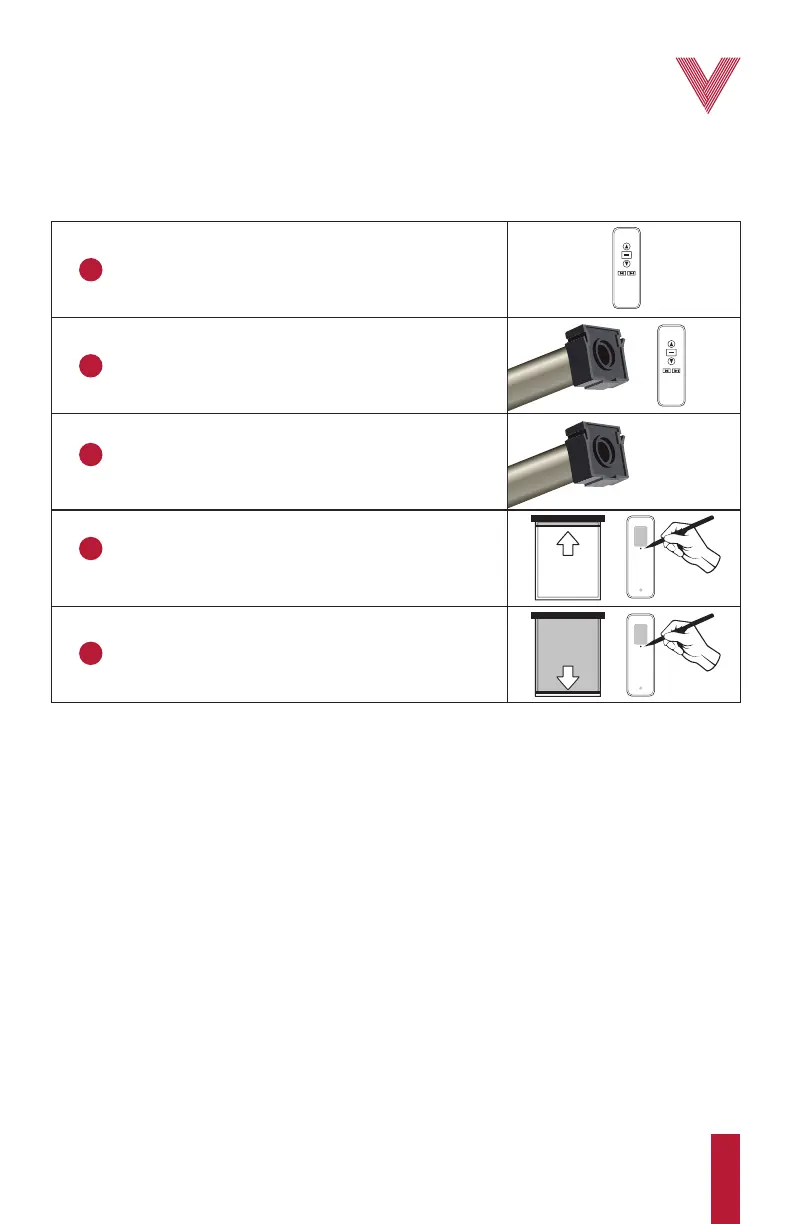
Initial programming sequence
Before starting...
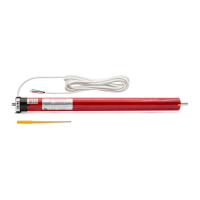
Ensure that the motor is compatible with the associated brackets or accessories and that it is
correctly installed.
1
Select the desired remote control and channel.
2
Pair the motor with the remote control.
3
Check the direction of rotation of the motor
and change it if needed.
4
Set the upper limit.
The upper limit should be set first.
5
Set the lower limit.
UP OR
DOWN?
• Setting the intermediate limit
• Erasing the intermediate limit
• Readjusting the lower or the intermediate limit
• Adding an additional remote or “cloning” a channel
• Changing to tilt or jog mode
• Deleting a single motor or channel
• Resetting the motor to factory default
Optional functions
2
vertilux.com
© 2021. Vertilux, Ltd. All Rights Reserved. Last revised: June 2021.



 To Next Page