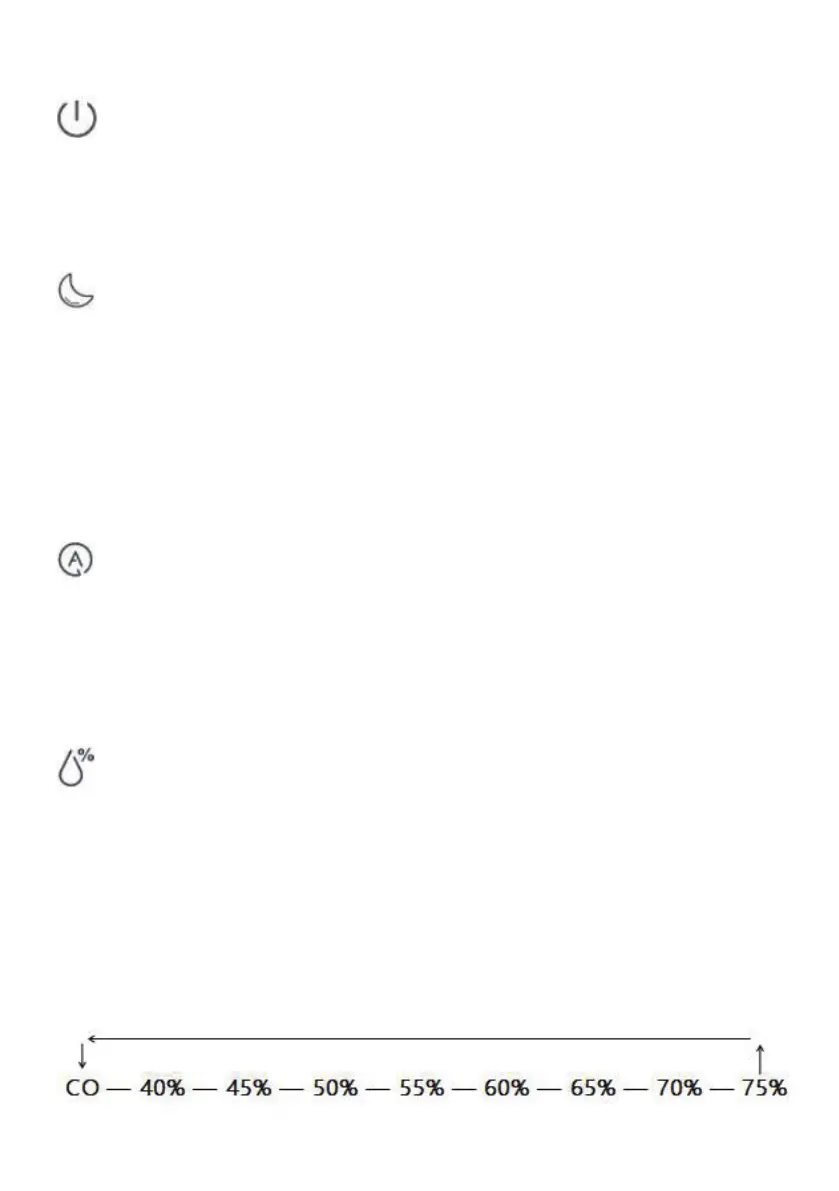
Switching on and o ff (ON/OFF)
Touch the key (K1) to turn the device on or off. When turned on, the display
will display the current ambient relative humidity, no timing setting, no humidity
setting. (At first use, the device starts at Medium humidification level).
Settin g the nig ht light
Touch the key (K2) to set the desired
Night Light or Sleep Mode.
1st touch: night light circulates through 7 colors automatically.
2nd touch: night light is fixed at one color.
3rd touch: the device enters sleep mode.
4th touch: cancel sleep mode and resume to default operation.
Auto matic setting
Automatic setting (K3) monitors the air humidity in the room and adjusts the
output to maintain an ideal air humidity of 50%. When the ambient humidity
reaches 50%, the fan works in low setting, and when it is less than 45%, the fan
automatically works in high setting.
Settin g the target humidity
Set the desired humidity in % by touching the key (K4). The value will be
shown on the display while you set the desired humidity. After a few seconds, the
display automatically switches to the currently measured value. We recommend a
relative air humidity between 40 % and 60 %.
The deviceoperates at a low level and continuously humidifies when the measured
value exceeds the set relative humidity.
The device keeps working when the
measured value is lower than the set relative humidity and in continuous operation
(CO). The target relative humidity can be set from 40% to 75% in 5% increment:


 To Next Page