13
Warning:
1. Measurement range: about 36V~600V, 50Hz or 60Hz.
2. When using, even if there is no sound or display prompt, the wire to be
measured may still have voltage. The instrument may be affected by other
factors (such as shielded wires and cables, thickness of insulation layer,
distance from voltage source, diversity in socket design, etc.), and fail to
sense the electric field.
3. When judging the live wire, do not put your fingers or conductors into the
COM jack, otherwise there may be a risk of electric shock.
Frequency / Duty ratio
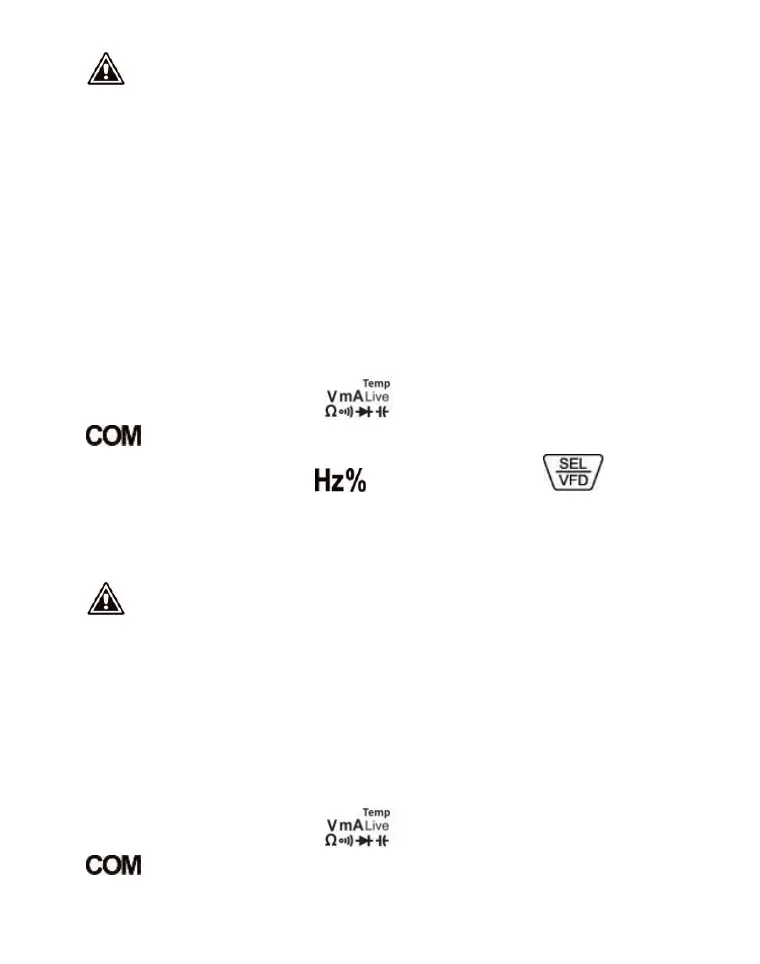
1. Insert the red probe into the " " jack and the black probe into the
jack.
2. Turn the knob switch to the " " position and press the key to
switch the frequency or duty ratio.
3. Connect the measurement probe to the load or the measured terminal and read
the value from the display screen.
Warning:
1. Before turning the function rotary switch, leave the measurement probe
from the circuit under measurement.
2. Do not input a voltage with an effective value higher than 0V, otherwise
there is a risk of damaging the instrument.
uA current
1. Insert the red probe into the " " jack and the black probe into the
jack.


 To Next Page