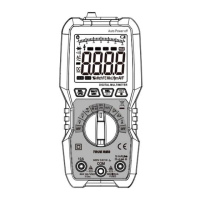
7
long press the key for about 2 seconds to exit the maximum or minimum value
measurement.
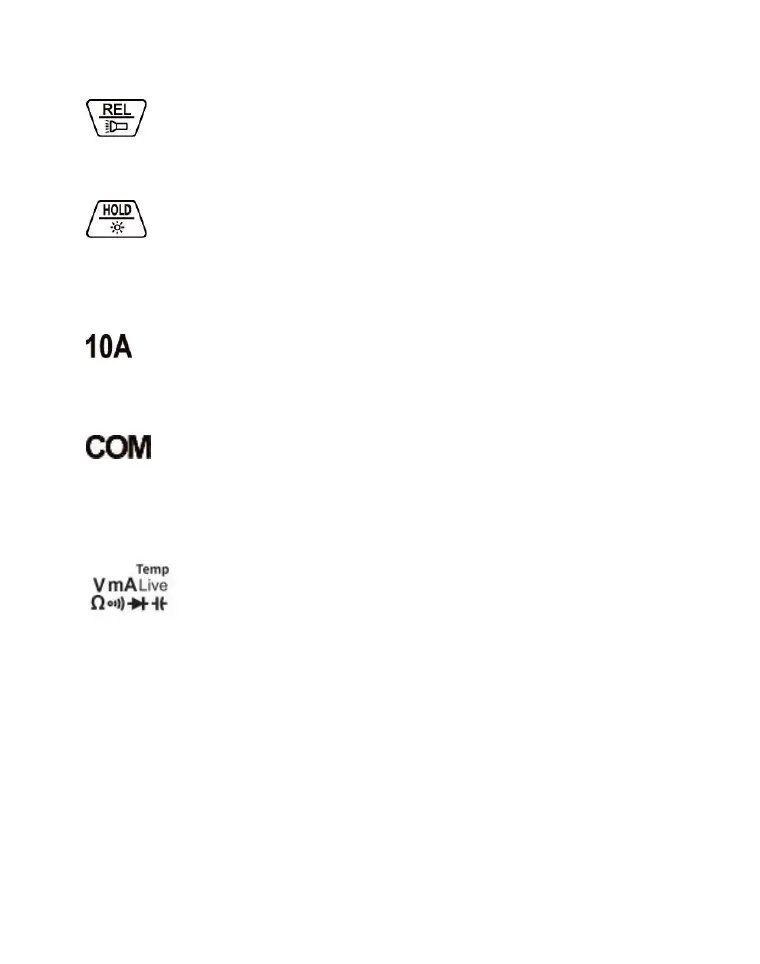
Relative value measurement/ Lighting key:
Briefly press the key to turn on or turn off the relative value measurement, and long
press the key for about 2 seconds to turn on or turn off the light.
Data retention / LCD backlight key:
Briefly press the key to turn on or turn off the data retention display, and long press
the key for about 2 seconds to turn on or turn off the LCD backlight.
③. Inputjack area:
jack:
The positive input terminal of 10A current measurement (connected with the red
probe).
jack:
Common input terminal for voltage, resistance, diode, capacitance,
connectivity,temperature and current measurement (connected with the black
probe).
jack:
Positive input terminal for voltage, resistance, diode, capacitance, connectivity,
temperature, live wire detection, current measurement with in 600mA (connected
with the red probe).
④. NCV sensing area
It is used for non-contact voltage verification.
⑤. Function rotary switch:
It is used to select the measurement function.


 To Next Page