Failure to follow this instruction may cause poor freezer performance and damage to the
machine.
The machine is designed to operate in normal ambient temperatures of 60°F to 75°F
Operating in higher ambient temperatures will result in degraded performance.
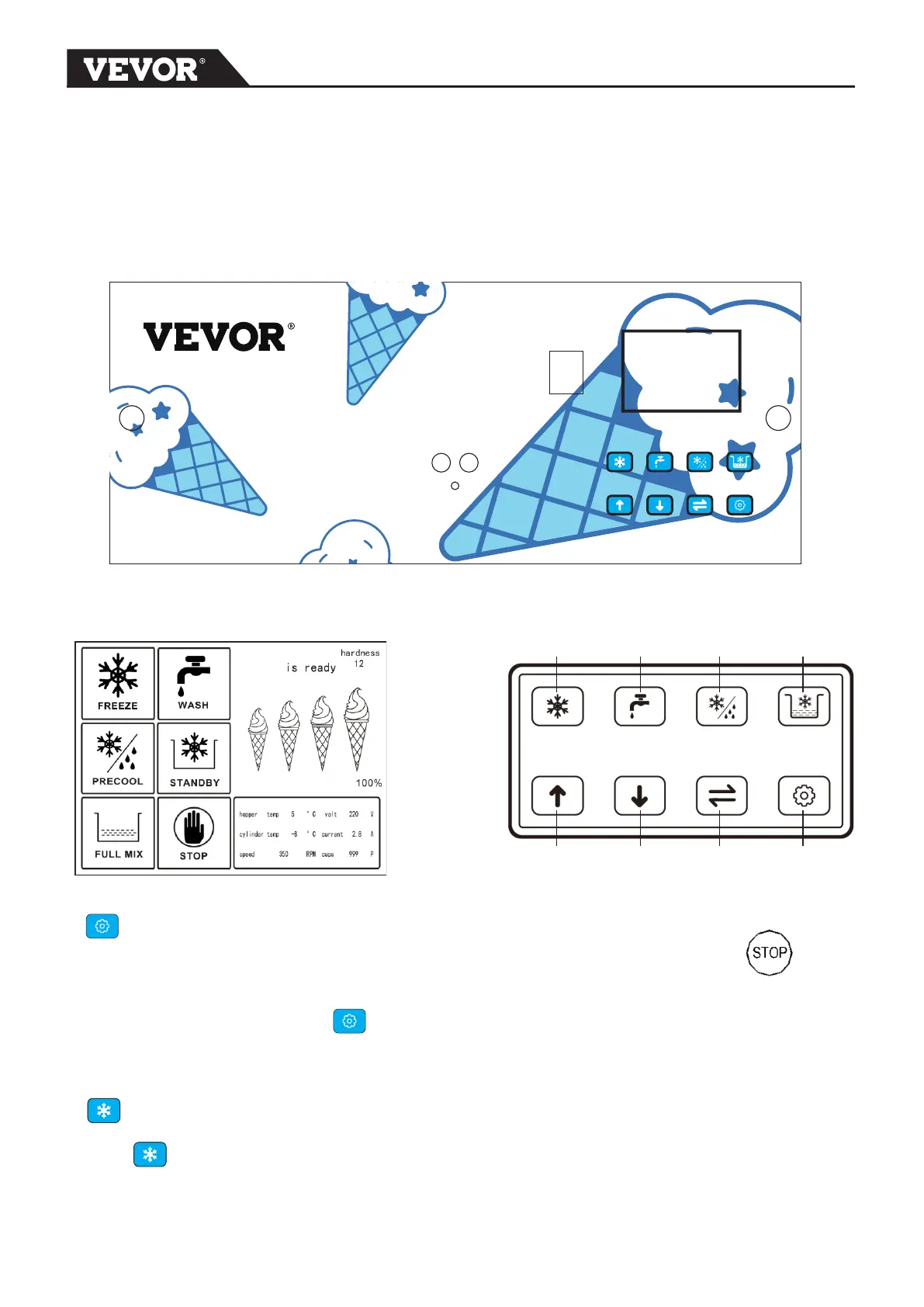
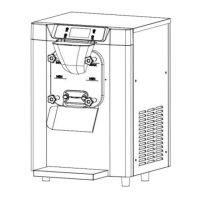
Safety Switch
Display
screen
Control
button
Display
screen
Control Button
Refrigeration Wash Pre-cooling Standby
Up Down Shift Function/OFF
FUNCTION/OFF BUTTON
Press FUNCTION/OFF button to exit present mode, LCD display indicates All
function buttons are available. To change to other function, IT IS ALWAYS
NECESSARY to first Press FUNCTION/OFF button to return STOP.
REFRIGERATION BUTTON
Press button ,the main compressor will start to refrigeration .
When the number show 100% on the display screen,the refrigeration cycle will OFF
automatically. Display screen show ICE CREAM READY
SOFT
4


 To Next Page