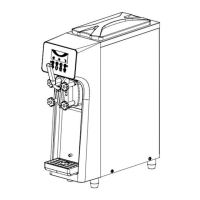
UP and DOWN BUTTON
UP and DOWN button use for increases and decreases the value
SHIFT BUTTON
SHIFT KEY use for move the cursor for setting
PARAMETER SETTING
Press and hold FUNCTION/OFF button for
5 seconds , machine will go to SETTING MENU
for parameter setting( Picture 4-1)
Picture 4-1
Press Shift button can select menu .Press button can confirm the setting
UP and DOWN button use for increases and decreases the value
Picture 4-2
Picture 4-3
General parameter setting(Picture 4-2)
a. Pre-cooling temperature . Can adjust the hopper temperature , factory default 5 ℃
b. Refrigeration cycle time : Can adjust cooling cycle time , factory default 5 minutes
UP and DOWN button use for increases and decreases the value
Counter reset (Picture 4-3) Select “yes”can Reset the counter to 0
Picture 4-4 Picture 4-5
6


 To Next Page