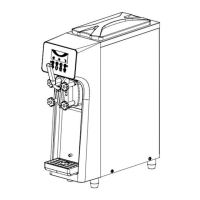
Alarm Records (Picture 4-4)
Can record the alarms list for the machine
Buzzer function enable (Picture 4-5)
Select “YES” can cancel the buzzer
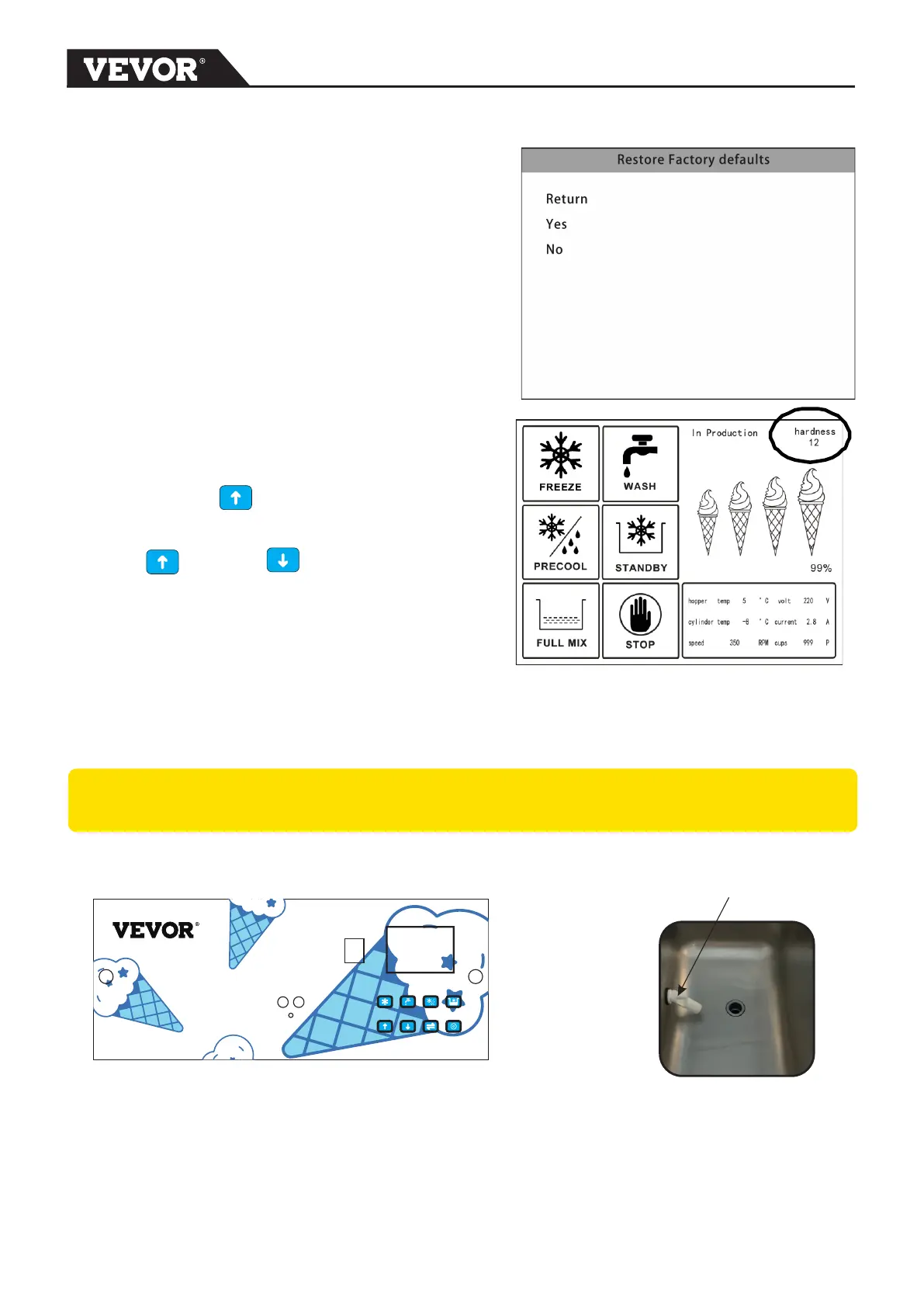
Restore Factory defaults (Picture 4-6)
Select “YES” can restore factory setting
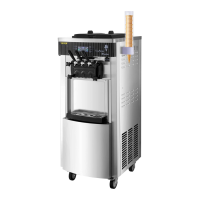
ICE CREAM Hardness setting
Ice cream hardness from 1 to 20 , number 1 is
hardest and number 20 is softest .
Press and hold UP button for 3 seconds
,then hardness level at top right corner can be
adjust .
Press UP or DOWN button
can increases or decreases the hardness
Picture 4-6
Mix-low alert system
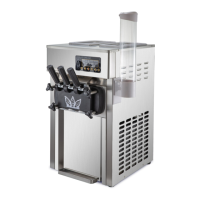
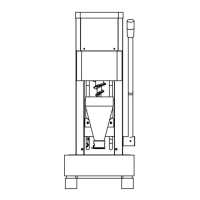
The mix-low sensor(Figure 4-8) , when mix low ,the display screen show LOW MIX ,and
buzzer will also start working to alert operator fill enough mix into the hopper.
CAUTION:: Machine will turn OFF COOLING automatically if low mix working over 15
minutes .Machine will restart cooling once filling enough mix .
Mix-low sensor
Figure 4-8
Figure 4-7
Safety Switch
When meet something urgently ,press Safety Switch(Figure 4-7) can cut off the power
supply for control systems .Machine will be stop working at once .
7


 To Next Page