DISPLAY OPERATION INSTRUCTIONS
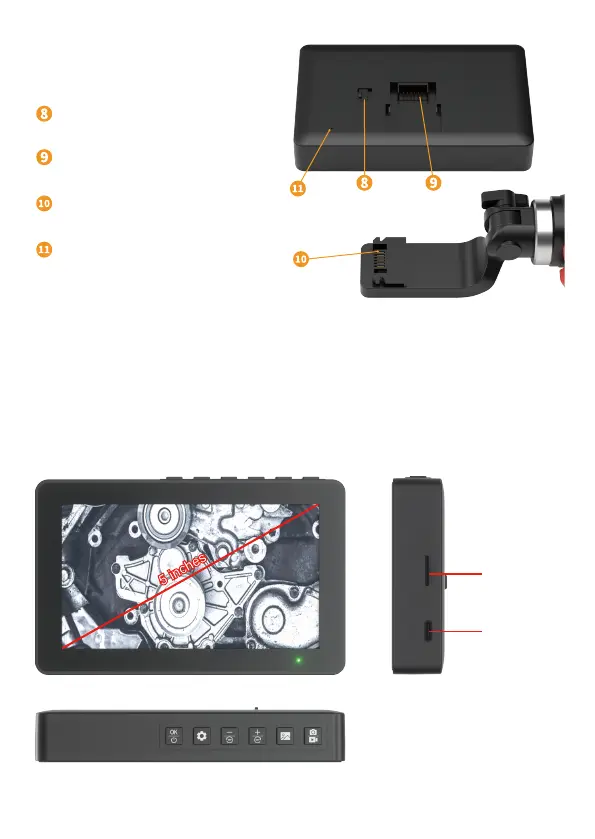
Charger port
TF card slot
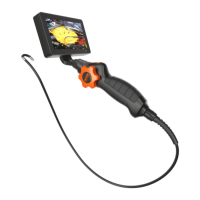
Removal and installation of display screen
Installation method: Move the latch on the back of the display to the right and connect
the handle to the display
Removal method: Move the latch on the back of the display to the right and take the
display out of the handle
Lock Catch
Display screen connection base
Handle connection base
Reset hole
3


 To Next Page