1
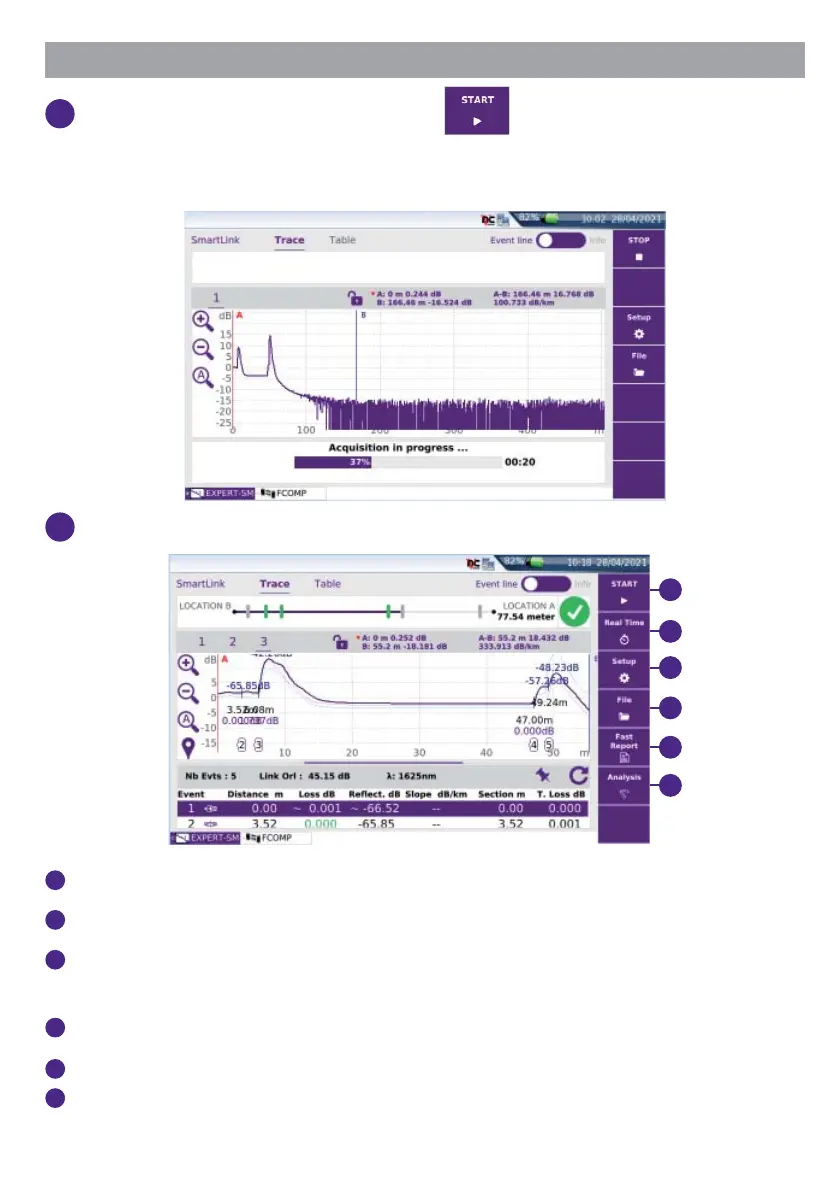
Once the OTDR is confi gured, press to launch the measurement.
- Step1: Test port connection health check
- Step2: OTDR measurement
2
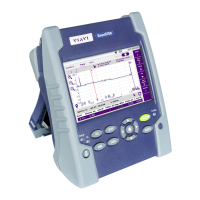
At the end of test, the OTDR trace(s) or SmartLink View is displayed.
1
2
3
4
5
6
1
Start: press to perform a new measurement in Expert mode
2
Real Time: press to perform a new measurement in Real Time.
3
Setup: press to return to OTDR parameters (see “Confi guring a Test / Creating a
Smart confi g. in Expert MODE”, page 8).
4
File: press to open the File Explorer.
5
Fast Report: Press to save the results (.sor, .txt, .json and .pdf formats).
6
Analysis: press to access to manual measurements: Loss / ORL / Refl ectance /
Slope.








 To Next Page