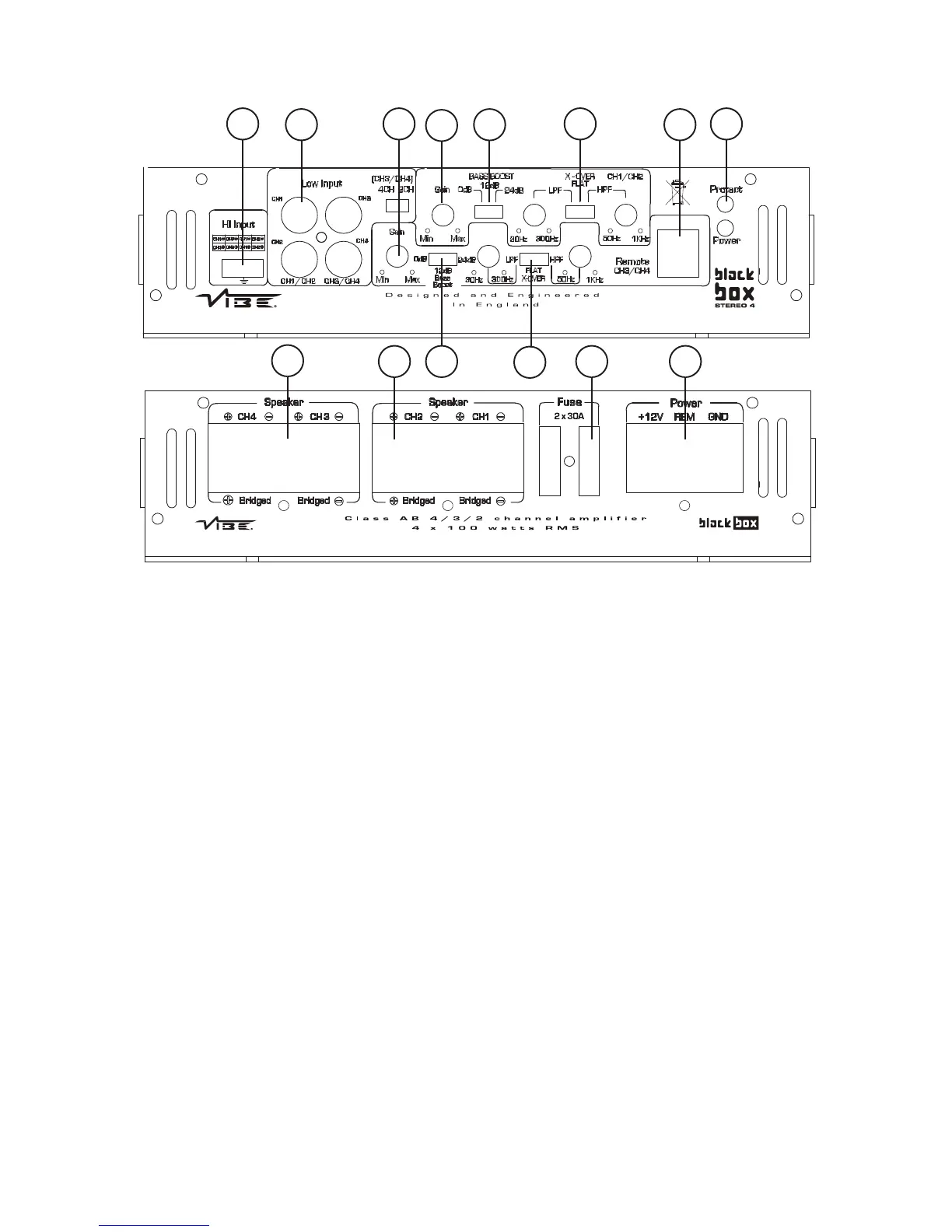
1. Low Level Input
For connection to any source (head unit) with a low level output. This is your RCA output from the source (headunit). In order
to obtain a four channel output from a two channel input please set the switch to 4 channel and plug the RCA's into channel
3 and channel 4.
2. High Level Input
To be used when no RCA's are available. Use the provided loom to connect to closest speakers. The loom connector will only
fit one way around. Once plugged in you should connect the wires as below:
Front Speakers
Left Positive - Brown Right Positive - Black
Left Negative - Blue Right Negative - Green
Rear Speakers
Left Positive - Orange Right Positive - Yellow
Left Negative - Grey Left Negative - White
3. Front Gain Control
Used to match the input signal of the source to the amplifier. See the setup section for more details.
4. Front Crossover Control
The switch is used to select between low pass / high pass filter or no filter at all on the front channels. The frequency ranges
on the low pass filter are from 30 Hz to 300 Hz. The frequency ranges on the high pass filter are from 50 Hz to 1KHz.
5. Front Bass Boost Switch
To provide up to an extra +24 dB of bass boost at 45 Hz. Use this boost to increase bass output from the amplifier.
6. Rear Gain Control
Used to match the input signal of the source to the amplifier. See the setup section for more details.
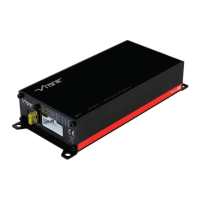
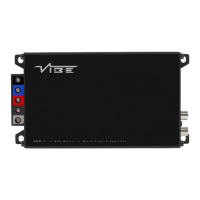
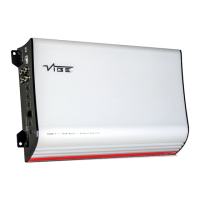
Connections and Controls - BlackBox Stereo 4




 To Next Page