EasyManua.ls Logo

Vibra AJ Series - User Manual

Vibra AJ Series
37 pages
Print Icon
To Next Page IconTo Next Page
Loading...
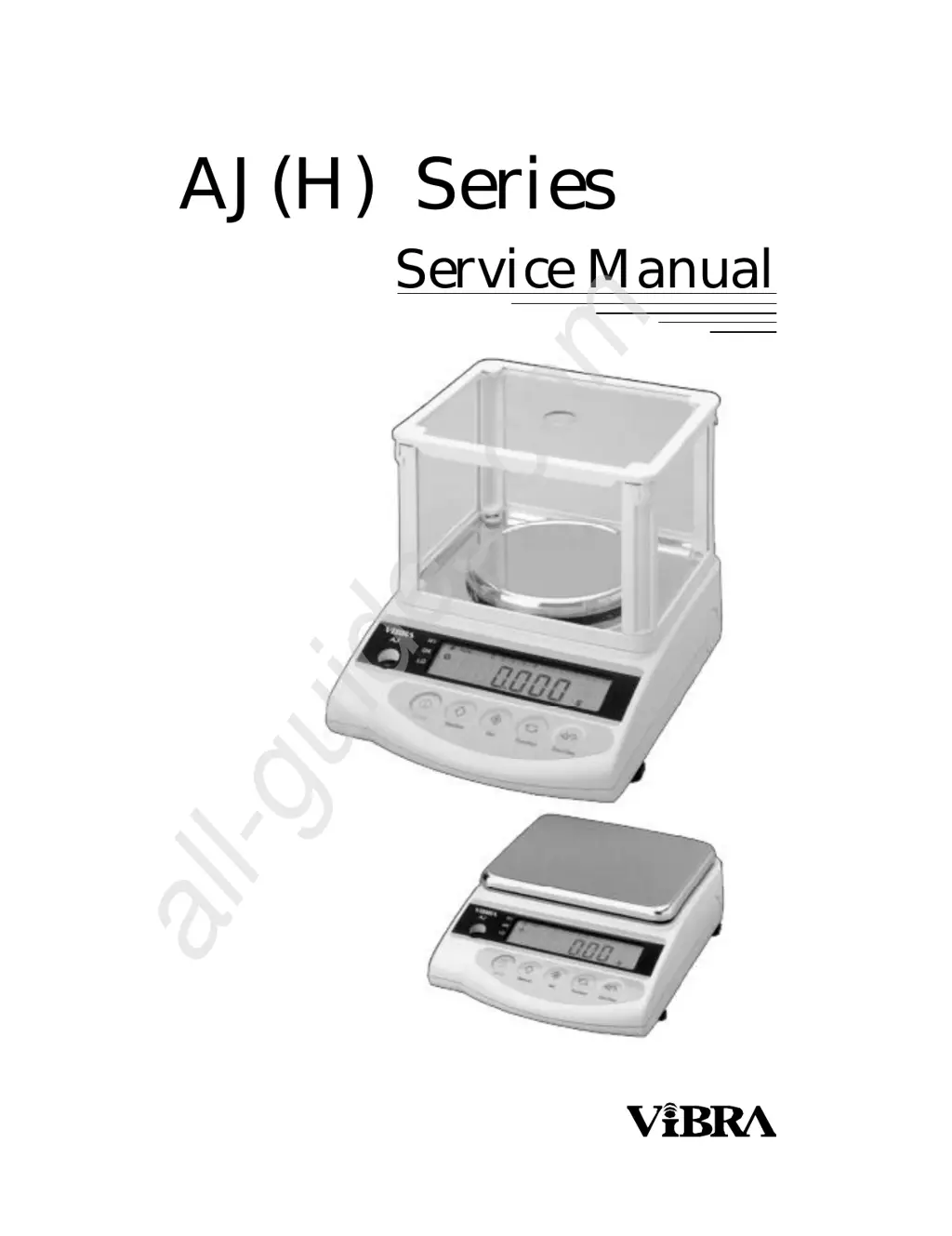
AJ(H) Series
Service Manual
All manuals and user guides at all-guides.com
all-guides.com

Table of Contents

Questions and Answers

  • K
    kellyjulieAug 16, 2025
    Why does the display on my Vibra AJ not settle down?
    • L
      Lori CoxAug 16, 2025
      If your Vibra Scales display doesn't settle down, doesn't repeat correctly, or the zero point drifts, it could be due to several reasons. Some parts might be touching each other, so adjust the parts to avoid contact. The weighing pan might be touching other parts, so ensure it is not. There might be a foreign substance in the scale, so remove any foreign substances. The tuning-fork sensor or mechanism unit might be defective, so replace it. Finally, it could be affected by wind or disturbing oscillation, so check the environment and working base, and also check the setting of stabilization time.
  • H
    Hector JacksonAug 19, 2025
    How to fix Vibra AJ Scales with no display lights?
    • A
      Anthony TateSep 12, 2025
      If your Vibra Scales show no display lights, it could be due to a defective AJDP board, in which case you should replace the AJDP board. Alternatively, the AC adapter might be defective, so replace the AC adapter. Another cause could be a wrong connection of connection cords inside, so check and correct the connection. Finally, if you're using a built-in battery, it might be discharged, so recharge or replace it.
  • J
    Joseph LamAug 22, 2025
    What to do if my Vibra AJ show '-' with a net load?
    • S
      sandra51Aug 22, 2025
      If your Vibra Scales display shows a '-' symbol with a net load less than the specified capacity, it could be because the gross weight on the scale pan exceeds the scale capacity, so reduce the weight. It may also be caused by coefficient memories changing due to noises or static electricity, so adjust linearity. Another reason could be a mistake in the setting of address data, so correct the setting. Finally, the calibration weight might not be correct, so check and use the correct calibration weight.
  • L
    Lisa FlowersAug 26, 2025
    Why did the display suddenly disappear on my Vibra Scales?
    • R
      robert62Aug 26, 2025
      If your Vibra Scales display suddenly disappears during operation, it could be due to a consumed built-in battery, so recharge or replace it. Another cause could be a defective AJDP board, so replace the AJDP board. Alternatively, the AC adapter might be defective, so replace the AC adapter.
  • F
    Frank AndradeAug 28, 2025
    How to troubleshoot Vibra AJ when the span is out of range?
    • R
      Rebecca RichardAug 28, 2025
      If the span of your Vibra Scales is out of the specified range, it could be due to a defective tuning-fork sensor or mechanism unit, so replace it. Another cause could be a defective AJDP board, so replace the AJDP board. Alternatively, there might be a mistake in the setting of address data, so correct the setting. Finally, coefficient memories might have changed due to noises or static electricity, so adjust linearity.
  • M
    Mr. David Dunn Jr.Aug 31, 2025
    What causes linearity to be out of range on Vibra Scales?
    • J
      Jamie BaileyAug 31, 2025
      If the linearity of your Vibra Scales is out of the specified range, it could be due to a defective tuning-fork sensor or mechanism unit, so replace it. Another cause could be a mistake in the setting of address data, so correct the setting. Alternatively, coefficient memories might have changed due to noises or static electricity, so adjust linearity. Finally, the calibration weight might not be correct, so check and use the correct calibration weight.
  • S
    snyderjamesSep 3, 2025
    Why do my Vibra Scales show '- or -' during self-test?
    • R
      rodrigueztimothySep 3, 2025
      If your Vibra Scales show '- or -' during the segment self-test, it could be because the wrong weighing pan is applied, so use the correct weighing pan. It may also be caused by a defective tuning-fork sensor or mechanism unit, so replace it. Another reason could be a defective AJDP board, so replace the AJDP board. Additionally, there might be a mistake in the setting of address data, so correct the setting. Finally, coefficient memories might have changed due to noises or static electricity, so adjust linearity.
  • C
    cwebbSep 6, 2025
    How to fix too much corner error on Vibra AJ Scales?
    • C
      Charles HuberSep 6, 2025
      If you are experiencing too much corner error with your Vibra Scales, it could be due to a defective mechanism unit, such as a bent or twisted Roberval plate (Spring), so replace or adjust the mechanism unit. Another possible cause is the pan base touching other parts, so adjust the pan base to avoid contact.
  • K
    Kaitlyn HouseSep 9, 2025
    Why does my Vibra AJ display '-'?
    • R
      Ryan MontesSep 9, 2025
      If your Vibra Scales display shows a '-', it could be due to a defective AJDP board, so replace the AJDP board. Alternatively, coefficient memories might have changed due to noises or static electricity, so adjust linearity.
  • S
    Sherry RodriguezSep 12, 2025
    What does it mean when Vibra AJ Scales show '-' during calibration?
    • K
      kristy14Sep 12, 2025
      If your Vibra Scales display shows a '-', it could be because the calibration weight is less than 1/2 F.S., so use a calibration weight that is above 1/2 F.S.

Summary

Total View of Scales

Total View of AJ Type Scales

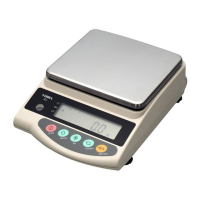
Provides a visual overview of the AJ type scale, detailing its external components and layout.

Total View of AJH Type Scales

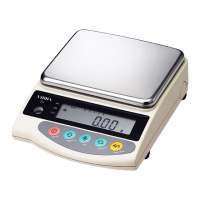
Offers a visual overview of the AJH type scale, highlighting its external features and configuration.

Electronic Construction and Wiring

Block Diagram of Electronic Construction

Illustrates the overall electronic architecture and component interconnections of the scale.

Whole Wiring Diagram

Details the complete wiring schematic, showing connections between internal electronic modules and external interfaces.

Troubleshooting Guide

Troubleshooting Procedure

Outlines a step-by-step systematic approach for diagnosing and resolving scale malfunctions.

Troubleshooting Table: Symptoms and Remedies

A reference table correlating specific symptoms with their potential causes and suggested remedies.

Primary Checks for Troubleshooting

Lists fundamental initial checks to perform when troubleshooting scale issues before deeper diagnostics.

Electric;Electronic Parts Checks (AJDP Board)

Provides specific test points and procedures for verifying the functionality of electronic components on the AJDP board.

Adjustments and Settings

Span Calibration Procedure

Guides the user through the process of calibrating the scale's measurement range using calibration weights.

Lock Switch Functionality

Explains the function and use of the lock switch to prevent unauthorized parameter changes or calibration.

Corner Error Adjustment

Details the procedure for adjusting the scale to compensate for errors at different points on the weighing pan.

Adjustment Sequence for Different Cases

Outlines the recommended order of adjustments based on specific scenarios like memory loss or component replacement.

Resetting Address Data (Coefficients)

Describes how to re-enter or restore original data if it's lost due to electrical issues or board replacement.

Linearity Adjustment Procedure

Provides instructions for calibrating the scale's accuracy across its entire weighing range.

Calibration of Built-in Weight (REF CAL)

Explains the procedure for calibrating the internal reference weight system specific to AJH scales.

Parts Replacement Procedures

How to Remove the Scale Case

Details the steps required to safely disassemble the scale's outer casing for access to internal components.

How to Cover or Reassemble the Scale Case

Provides instructions for correctly reassembling the scale's casing after servicing or parts replacement.

Mechanism Unit Replacement Sequence

Outlines the overall procedure for replacing the scale's core weighing mechanism unit.

Tuning-Fork Sensor Replacement Sequence

Details the steps involved in replacing the tuning-fork sensor, a critical weighing component.

AJDP Circuit Board Replacement Sequence

Guides the user through the process of replacing the main AJDP circuit board.

Calibration Weight Unit Removal

Explains the procedure for removing the internal calibration weight assembly from the scale.

Calibration Weight Unit Installation

Provides instructions for installing or reinstalling the internal calibration weight assembly.

Installation of Optional Features

Installation of Battery Option

Details the steps for installing the optional battery power supply for the scale.

Parts Lists

Parts List for AJ-220 to AJ-1200 Series

Lists the part numbers and descriptions for the AJ-220 to AJ-1200 series scales.

Parts List for AJ-2200 to AJ-12 K Series

Lists the part numbers and descriptions for the AJ-2200 to AJ-12K series scales.

Vibra AJ Series Specifications

General IconGeneral
CategoryScales
Overload IndicationYes
CalibrationExternal Calibration
Platform SizeVaries by model
Power SupplyAC adapter
Auto Power OffYes
ModelVibra AJ Series

Related product manuals