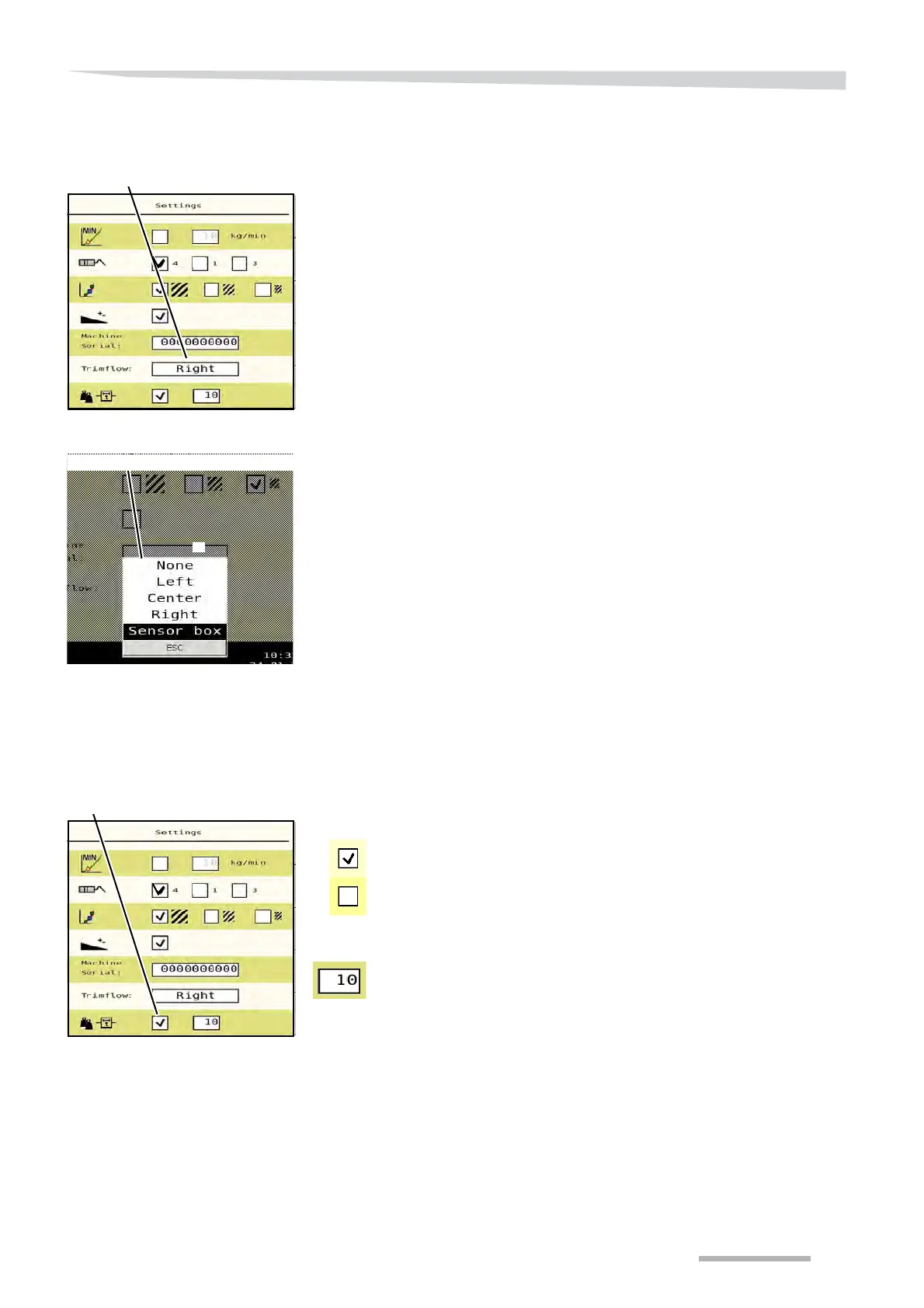
System settings
87
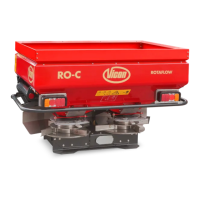
Sensor selection
Depending on the type of accessory you select:
none
Hydraulic border spreading plate (Center)
TrimFlow right(Right)
TrimFlow Left
Multiple accessories through splitter box(Sensor box).
See »Position indicator« on page 60,
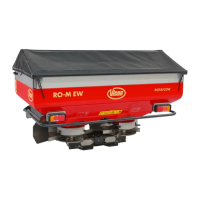
Weighing system
filter
While spreading on very hilly terrain, the weight in the main screen
may sometimes vary.
You can select the weighing system filter in order to counter this
variation.
Press the filter field on/off.
choose a value between 5 and 15. The weighing system now
operates with an average of the number of values given.


 To Next Page