System settings
99
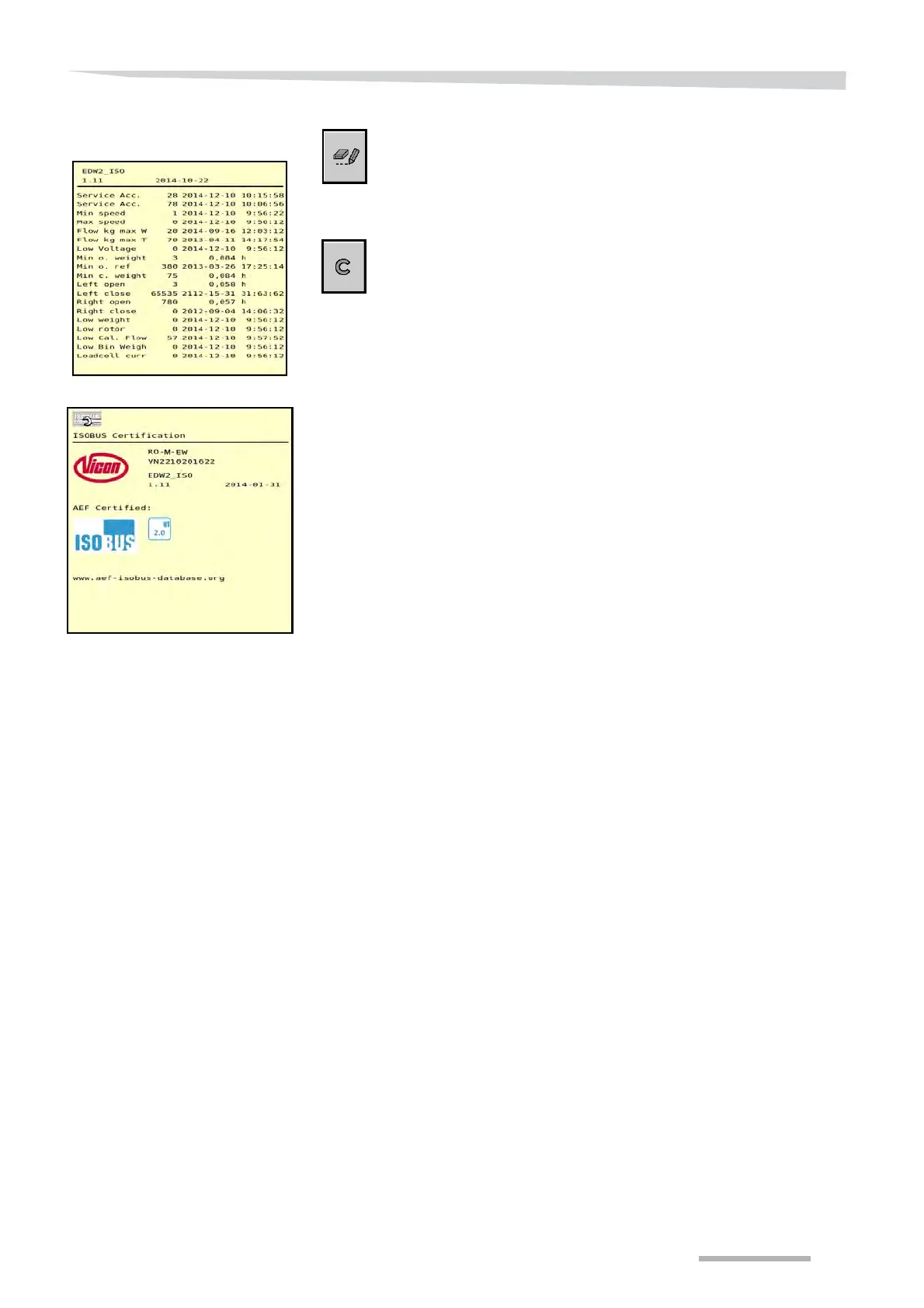
Logbook
The screen indicating important events is displayed by pressing the
logbook key on the screen in which the software version is displayed.
The control system registers when and how often important events
took place. An alarm is also displayed in most instances. The history
can be very useful in solving failures.
A few less important events can be deleted by pressing the ‘Clear’ key.
It is not recommended that this key be used, however.
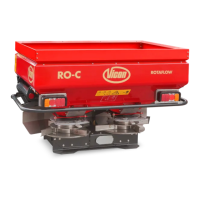
AEF ISOBUS Certification
The last screen in the ISOBUS communication menu shows the
statement that this software system complies with the AEF ISOBUS
database standards.
The AEF, Agricultural Industry Electronics Foundation, tests the
software system for communication with other systems. By means of
this it can be checked beforehand whether the systems on sale can
work together.


 To Next Page