028 -0427-15 _UI-V T8350_ A4 _ EN www.viconics.com June 2020
14
VT8350 [ User Interface Guide ]
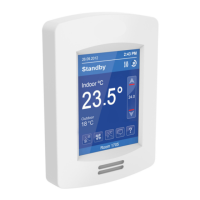
Fan Mode Settings
Fan Mode Setting
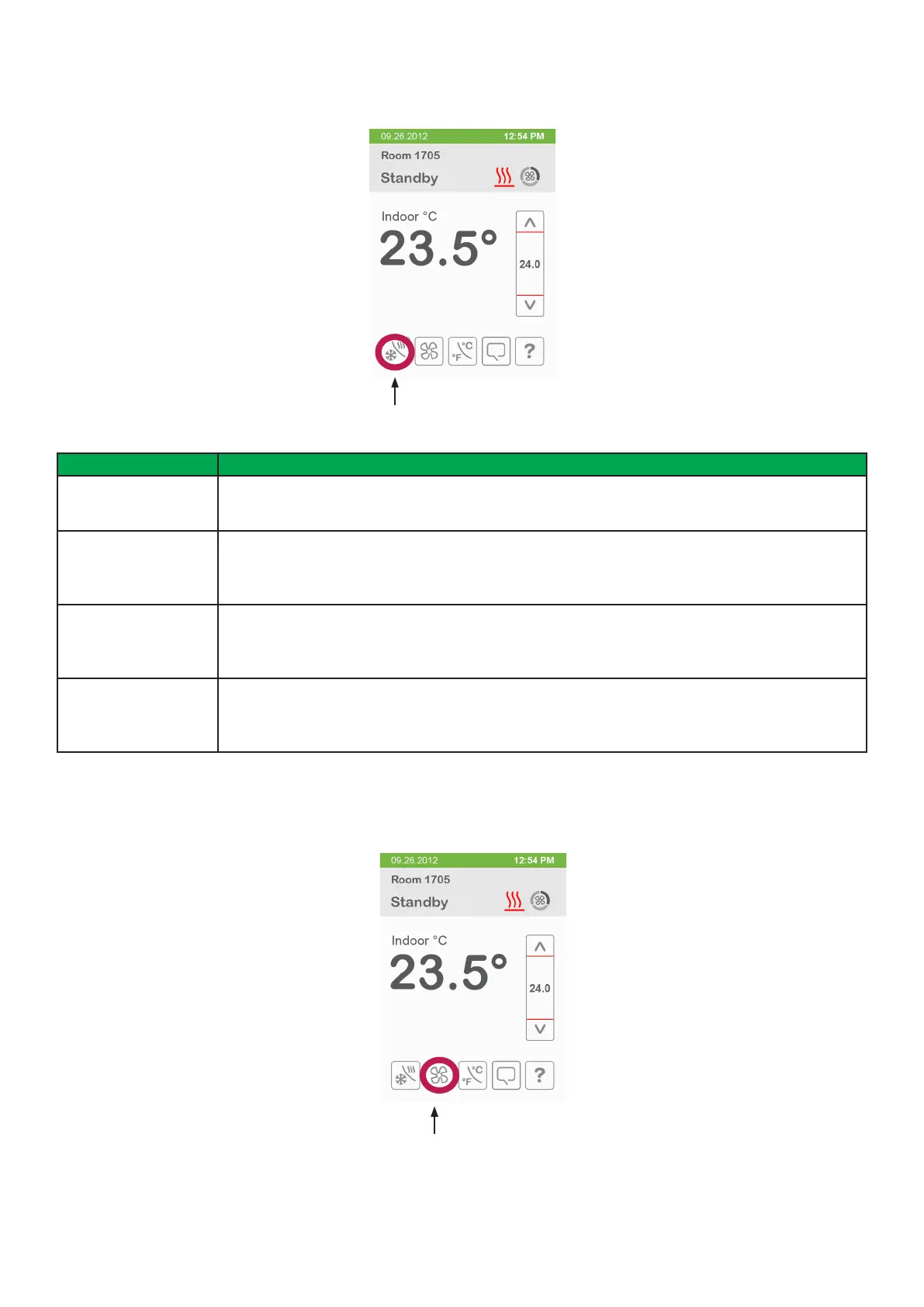
Mode Signicance and Adjustments
System mode Off Off
Heating, Cooling and Dehumidication demands are ignored.
System mode Auto Auto
Room Controller automatically toggles between Heating and Cooling modes to satisfy both Heating
and Cooling demands. Dehumidication is allowed.
System mode Cool Cool
Room Controller only satises Cooling demands, Heating demands are ignored. Dehumidication is
allowed.
System mode Heat Heat
Room Controller only satises Heating demands, Cooling demands are ignored. Dehumidication is
allowed.
The Fan mode settings displayed on the home screen must be congured in the Fan menu tab of the Conguration menu.
The possible options are Low, Med, High, Auto, On.
System Mode
System Mode


 To Next Page