028 -0427-15 _UI-V T8350_ A4 _ EN www.viconics.com June 2020
15
VT8350 [ User Interface Guide ]
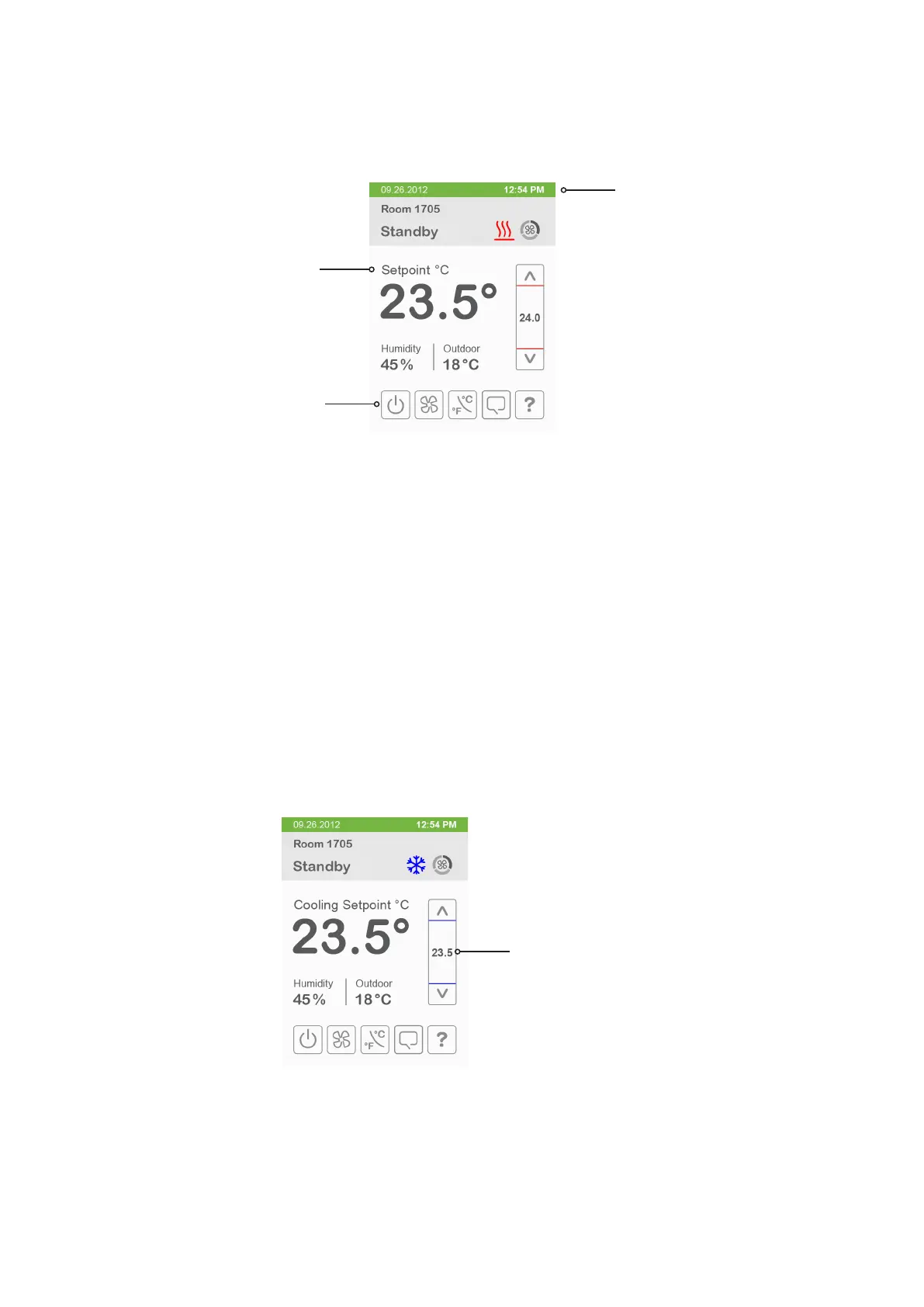
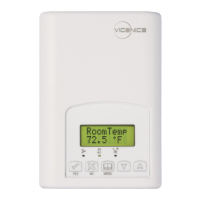
Heating Only Configuration
Time and Date show only when a
network time synchronisation
command is received.
Setpoint value shows if main
display parameter is set to
Setpoint.
On/Off icon is used instead
of system mode icon when
sequence of operation is set
to either heating only or
cooling only.
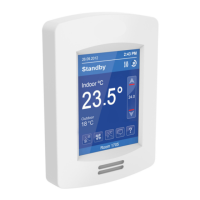
Setpoint Adjustment for Cooling Mode
In Cooling mode, the setpoint displayed in the bar is the current occupied cooling setpoint. During occupied setpoint adjustment,
the large digits are temporarily used to show occupied cooling setpoint while it is adjusted.
Normal temperature display resumes after setpoint is adjusted and actual occupied cooling setpoint shows in setpoint bar.
Cooling mode or cooling only sequence
of operation.


 To Next Page