028 -0427-15 _UI-V T8350_ A4 _ EN www.viconics.com June 2020
68
VT8350 [ User Interface Guide ]
PARAMETER DETAILS
Conguration Parameters Default Value Signicance and Adjustments
Permission
Default value: Off
Automatic Demand Response Permission
Used to permit the ADR to be applicable or not to change the Room Controller
setpoints setting or not.
Off: The Load Shedding Demand will not be permitted.
On: The Load Shedding Demand will be permitted.
Choices: On or Off
Shed status
Default value: Off
Read Only
Load Shedding Status
Displays the status of the Load Shedding Demand, whether it is active (On) or not
(Off).
The Load Shedding status is On when the Permission is On, Shed demand is On,
and the Shed Override is Off.
Off: Load Shedding Demand is not activated.
On: Load Shedding Demand is activated.
Display Readings: On or Off
Shed demand
Default value: Off
Read Only
Load Shedding Demand
Sets the request to initiate Load Shedding. This demand can only be set through
BACnet by the local Utility company.
Off: No Load Shedding Demand is received or the Shedding demand is
disabled.
On: Received the Load Shedding Demand or received the signal to activate Load
shedding.
Display Readings: On or Off
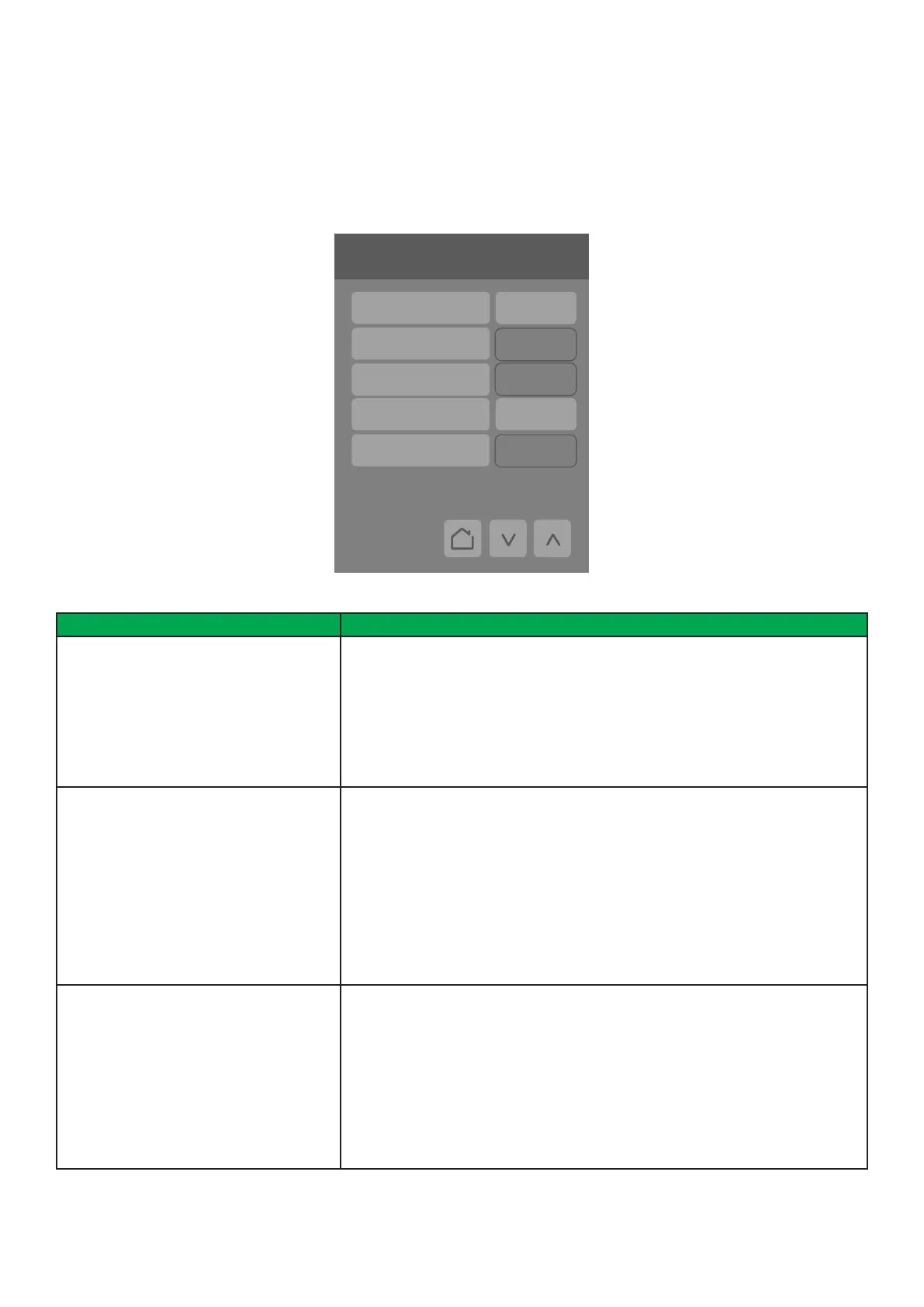
Automatic Demand Response (ADR)
Screen
Automatic Demand Response (ADR) feature is used to reduce energy load when electric grid contingencies threaten supply-
demand balance.
6/7 Configuration
Language English
Units °C
Low backlight 60 %
Night backlight 5 %
RH display Disable
ADR
Permission Off
Shed status Off
Shed demand Off
Shed offset 2.0 °C
Shed override Off



 To Next Page