028 -0427-15 _UI-V T8350_ A4 _ EN www.viconics.com June 2020
52
VT8350 [ User Interface Guide ]
Conguration Parameters Default Value Signicance and Adjustments
Fan status
Default value: Enabled
Fan Status Display
Hides the fan status in the upper right corner of the User HMI display. Applicable
to all User HMI congurations where the fan status is shown. Refer to the User
HMI Show/Hide Options in Section 2.
Choices: Enabled or Disabled
System status
Default value: Enabled
Systen Status Display
Hides the system status in the upper right corner of the User HMI display.
Applicable to all User HMI congurations where the system status is shown.
Refer to the User HMI Show/Hide Options in Section 2.
Choices: Enabled or Disabled
Help button
Default value: Enabled
Help Button Display
Hides the help button in the lower right corner of the User HMI display.
Applicable to all User HMI congurations where the help button is shown. Refer
to the User HMI Show/Hide Options in Section 2.
Choices: Enabled or Disabled.
PARAMETER DETAILS
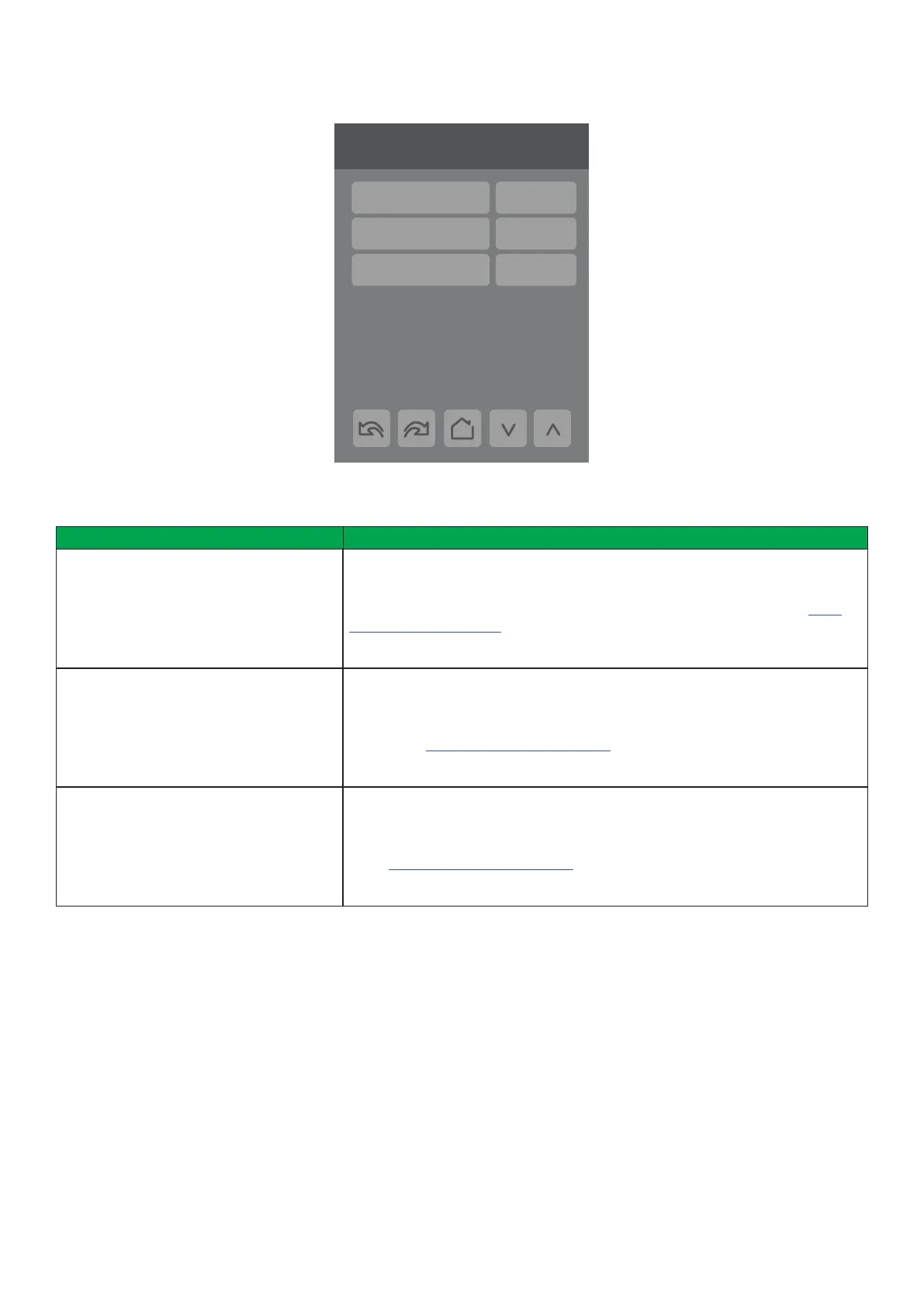
DISPLAY 3/3
3/3 Display
Fan status Disabled
System status Disabled
Help button Disabled



 To Next Page