EasyManua.ls Logo

Vicovation Vico-Opia 2 Premium - Page 14

Vicovation Vico-Opia 2 Premium
57 pages
Print Icon
To Next Page IconTo Next Page
To Previous Page IconTo Previous Page
Loading...
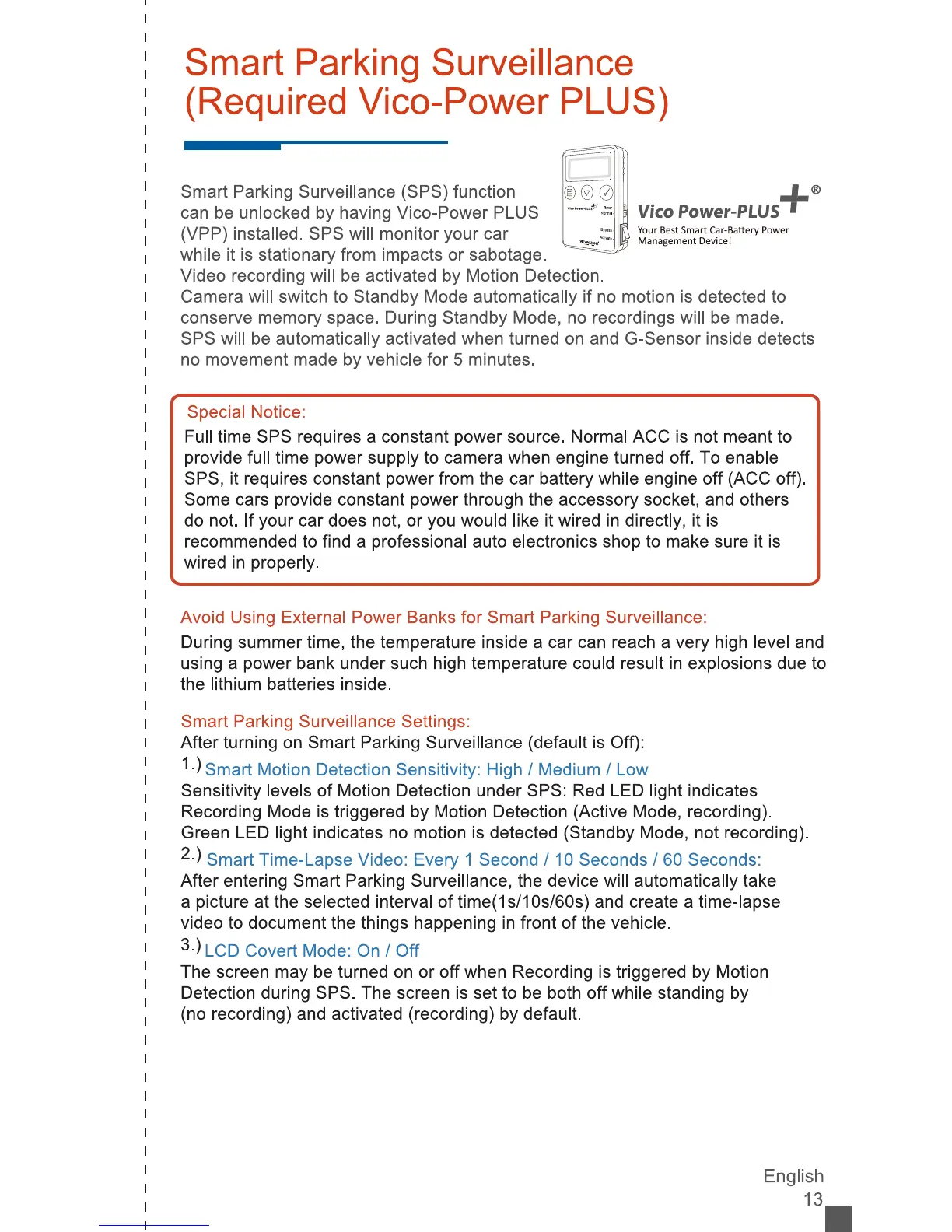
Smart
Parking
Surveillance
(Required
Vico-Power
PLUS)
Smart
Parking
Surveillance
(SPS)
function
can
be
unlocked
by
having
Vico-Power
PLUS
(VPP)
installed.
SPS
will
monitor
your
car
while
it
is
stationary
from
impacts
or
sabotage.
Video
recording
will
be
activated
by
Motion
Detection.
Camera
will
switch
to
Standby
Mode
automatically
if
no
motion
is
detected
to
conserve
memory
space.
During
Standby
Mode,
no
recordings
will
be
made.
SPS
will
be
automatically
activated
when
turned
on
and
G-Sensor
inside
detects
no
movement
made
by
vehicle
for
5
minutes.
Special
Notice:
Full
time
SPS
requires
a
constant
power
source.
Normal
ACC
is
not
meant
to
provide
full
time
power
supply
to
camera
when
engine
turned
off.
To
enable
SPS,
it
requires
constant
power
from
the
car
battery
while
engine
off
(ACC
off).
Some
cars
provide
constant
power
through
the
accessory
socket,
and
others
do
not.
If
your
car
does
not,
or
you
would
like
it
wired
in
directly,
it
is
recommended
to
find
a
professional
auto
electronics
shop
to
make
sure
it
is
wired
in
properly.
Avoid
Using
External
Power
Banks
for
Smart
Parking
Surveillance:
During
summer
time,
the
temperature
inside
a
car
can
reach
a
very
high
level
and
using
a
power
bank
under
such
high
temperature
could
result
in
explosions
due
to
the
lithium
batteries
inside.
Smart
Parking
Surveillance
Settings:
After
turning
on
Smart
Parking
Surveillance
(default
is
Off):
1-)
Smart
Motion
Detection
Sensitivity:
High
/
Medium
/
Low
Sensitivity
levels
of
Motion
Detection
under
SPS:
Red
LED
light
indicates
Recording
Mode
is
triggered
by
Motion
Detection
(Active
Mode,
recording).
Green
LED
light
indicates
no
motion
is
detected
(Standby
Mode,
not
recording).
2-)
Smart
Time-Lapse
Video:
Every
1
Second
/
10
Seconds
/
60
Seconds:
After
entering
Smart
Parking
Surveillance,
the
device
will
automatically
take
a
picture
at
the
selected
interval
of
time(1s/10s/60s)
and
create
a
time-lapse
video
to
document
the
things
happening
in
front
of
the
vehicle.
3-)
LCD
Covert
Mode:
On
/
Off
The
screen
may
be
turned
on
or
off
when
Recording
is
triggered
by
Motion
Detection
during
SPS.
The
screen
is
set
to
be
both
off
while
standing
by
(no
recording)
and
activated
(recording)
by
default.
Vico
Power-PLUS
Your
Best
Smart
Car-Battery
Powe
English
13.