5
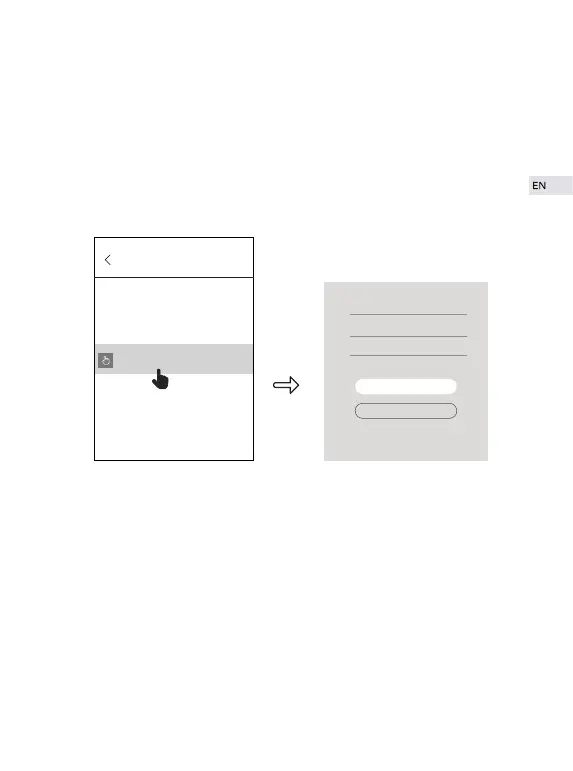
② Go to “EyeCloud” and click“+” on upper right of the interface to add
camera.
a. Manually Add (recommended)
Click “manually add” to input camera UID (15-digit number) or scan QR
code on the bottom of the camera.Then inputinitial password “888888”.
Please modify the initial password in a timely manner for the sake of
security.
b. Automatic Search
Click “Search in LAN” and you will find all available cameras which are
under the same router with your phone. “Add Camera” interface will pop
up after few minutes. If there’s still no camera which can be found, please
try again by returning to previous step. Cameras which are already in the
present EyeCloud account are unable to be searched.
ADD Device
Manually add
Name: IP Camera
UID: VSTD094568TXXR
Passeord:
ok
QR Code Scan


 To Next Page