EasyManua.ls Logo

Vidao VSB2500 - User Manual

Default Icon
12 pages
Print Icon
To Next Page IconTo Next Page
Loading...
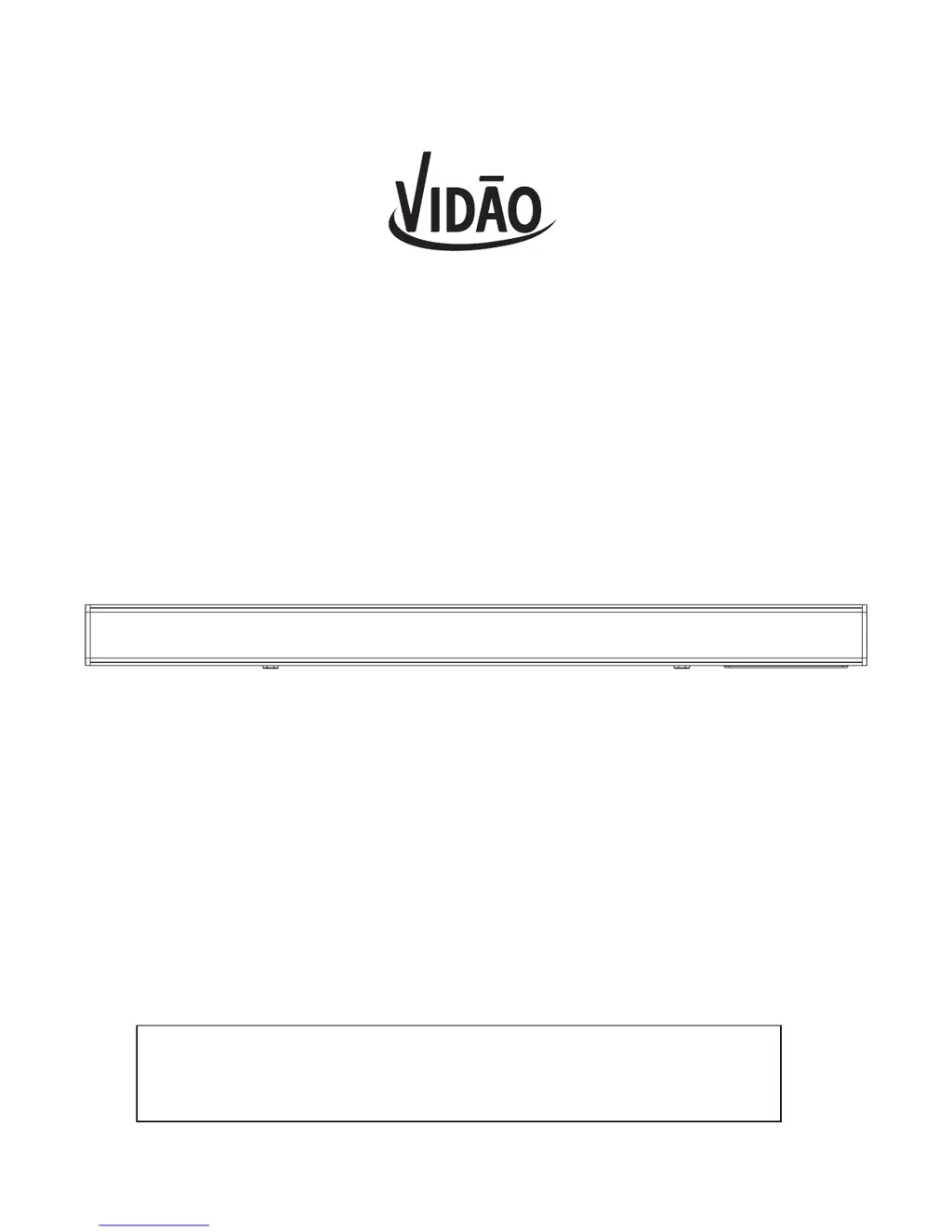
2.0CH SOUNDBAR
MODEL: VSB2500
FOR TECHNICAL ASSISTANCE & TROUBLESHOOTING PLEASE
CALL 1-855-998-4326 OR VISIT
WWW.SIBRANDSSUPPORT.COM

Questions and Answers

  • R
    richard37Aug 2, 2025
    What to do if there is no sound from a device in Bluetooth mode on my Vidao Speakers?
    • T
      Taylor KerrAug 2, 2025
      If you're not getting any sound from your device when connected to your Vidao Speakers via Bluetooth, first ensure that the Soundbar is actually in Bluetooth Mode, indicated by a BLUE light. Next, verify in your device's Bluetooth settings that it is paired with the Soundbar. If it's not paired, consult the instruction manual for guidance on pairing a Bluetooth device for the first time. Also, confirm that the volume on your Bluetooth device isn't muted.
  • M
    Megan HillAug 13, 2025
    How to fix a Vidao Speakers remote control that won't work?
    • D
      Deanna RodgersAug 13, 2025
      If the remote control for your Vidao Speakers isn't working, start by inspecting or replacing the battery. Also, ensure that there are no obstructions blocking the front of the Soundbar.
  • A
    andrew57Aug 21, 2025
    How to troubleshoot no power on Vidao Speakers?
    • S
      Shawn JohnsonAug 22, 2025
      If your Vidao Speakers have no power, check the connection of the AC/DC adapter between the Soundbar and the wall outlet.

Summary

General Warnings and Safety

Electrical Safety and Cabinet Warnings

Precautions against electric shock, moisture, opening the cabinet, and heat exposure.

FCC Compliance and RF Exposure

Information on FCC rules, interference, and general RF exposure requirements for the device.

Important Safety Instructions

Mandatory safety guidelines for product installation, usage, and maintenance.

Location of Controls and Inputs

Soundbar Rear Panel Inputs

Identifies STEREO RCA Audio Inputs, OPTICAL Input, and DC Power Input ports on the rear.

Soundbar Side and Top Controls

Details on POWER/SOURCE, PAIR, LINE IN, and VOLUME controls located on the unit.

Remote Control Overview

Power and Mode Selection Buttons

Functions of POWER, BT, AUX, MUSIC, MOVIE, and DIALOG buttons on the remote.

Audio Adjustment and Navigation Buttons

Controls for TREBLE, BASS, VOLUME, MUTE, LINE IN, PAIR, DIALOG, and SKIP/PLAY/PAUSE.

Remote Control Battery

Battery Installation and Replacement

Step-by-step guide for installing and replacing the CR2025 battery in the remote control.

Battery Safety and Disposal

Important warnings regarding battery ingestion, handling, and proper disposal practices.

Power and Indicator Lights

Connecting to Power

Instructions for plugging the AC power cord into the unit and a wall outlet.

LED Indicator Light Meanings

Explanation of the 5 colored LED indicator lights and their status indications.

Audio Input Connections

Stereo RCA Input Setup

Guide to connecting audio sources using the STEREO RCA Audio Inputs.

Optical Input Setup

Instructions for connecting audio sources via the Digital Optical Audio cable.

Connecting Other Audio Sources

Line-In Audio Connection

Procedure for connecting audio devices using the 3.5mm audio input cable (LINE IN).

Bluetooth Connectivity and Playback

Steps for pairing Bluetooth devices and playing audio wirelessly.

Troubleshooting Common Issues

Power and Sound Problems

Solutions for 'No power' and 'No sound' issues, including volume and mute checks.

Remote Control and Bluetooth Issues

Troubleshooting for remote control malfunctions and Bluetooth audio connection problems.

Limited One-Year Warranty

Warranty Coverage and Limitations

Details on product warranty, what is covered, and exclusions for defects and damages.

Obtaining Warranty Service

Instructions on how to get warranty service or replacement, including contact information.

Vidao VSB2500 Specifications

General IconGeneral
BrandVidao
ModelVSB2500
CategorySpeakers
LanguageEnglish