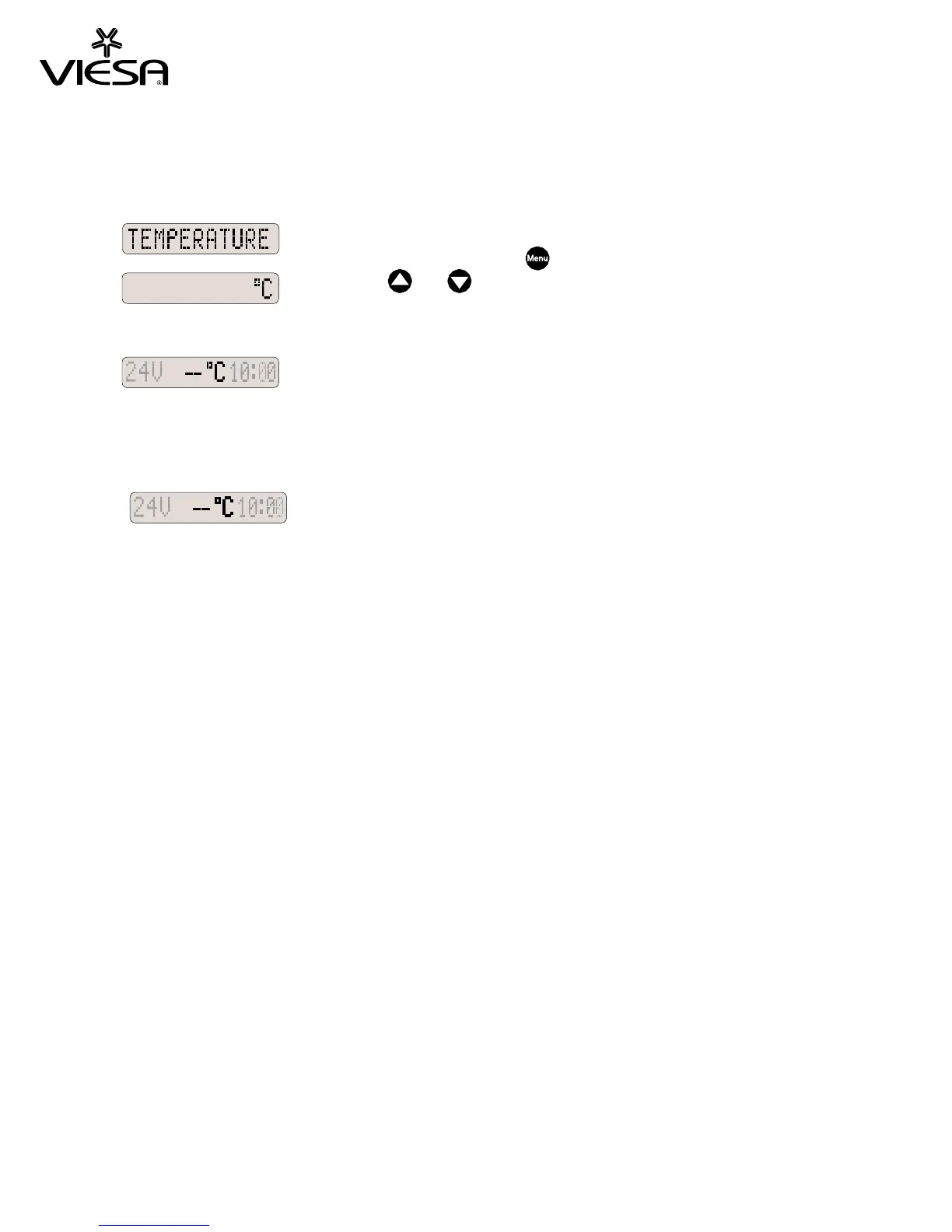
Temperature
This function
allows selecting the outside temperature display in degree
Celsius (°C) or
Fahrenheit (°F). Select this
function with the menu key
Press key
or to select °C or °F and
wait for 3 seconds.
Note: Below -5°C (23°F) or above 70°C (158°F), the display will show
The temperature sensor is placed inside the system’s roof mounted unit.
and wait for 3 seconds.
Important: If the temperature sensor is not connected,
the following message will appear on the display:


 To Next Page