Note: When the alarm clock is activated, both system lights will turn on
auto
matically in the dim position for one minute and then turn off. To
switch lights off immediately, press any key on the
control panel or remote control and use the
key.
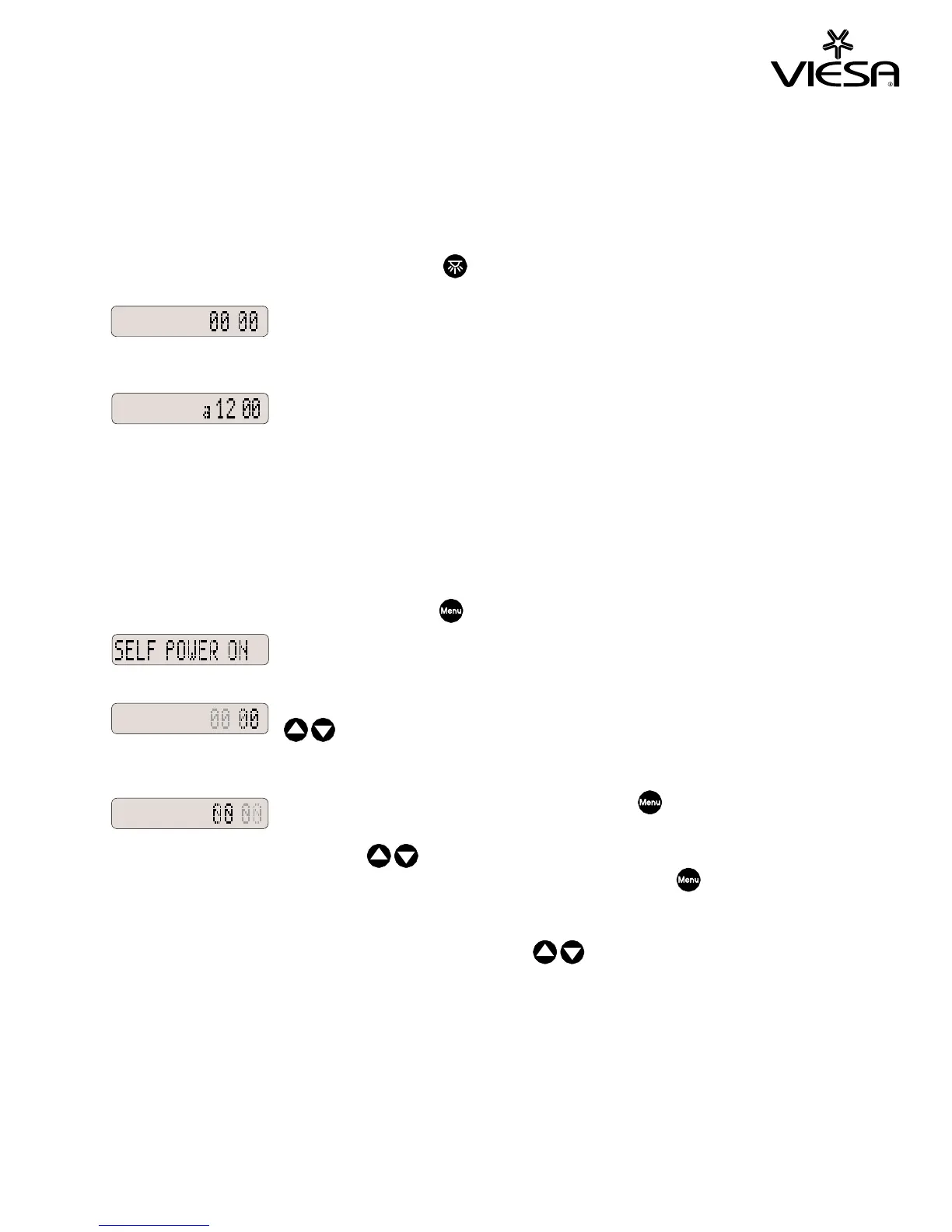
In 24H mode, the alarm clock is cancelled by
entering zero values for hours and minutes.
In 12H mode, the alarm clock is cancelled by
entering “a12:00”.
Note: The alarm clock cannot be set to “00:00” or ”a12:00”
.
Self Power On
This function allows turning the system on automatically at a
predetermined time. The following explanation is for 24H mode.
Select this function with the menu key and wait for 3 seconds.
The hour flashes, press the
keys
to set the hour.
Wait for 3 seconds or press the menu key to
move to minutes.
Press the
keys to set the
minutes and wait 3 seconds or press the menu
key to finish.
Note: To fast scroll press and hold the up or down key.


 To Next Page