FUNCTIONS
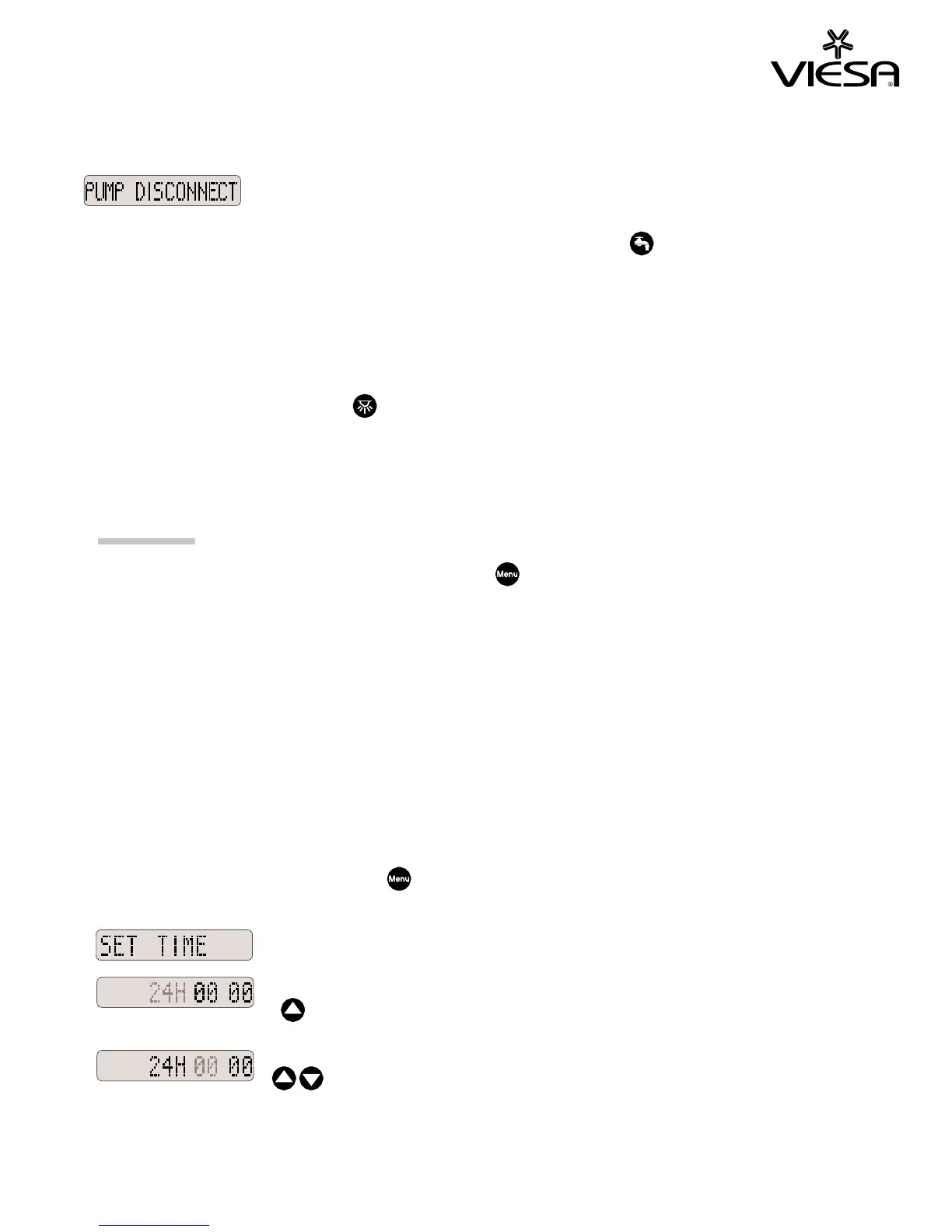
If the water pump is disconnected, a message
and sound alarm will result.
Alarm and message will disappear as soon as
the pump is re-connected or the pump on-off
switch is pressed.
Important: “WATER TANK EMPTY” and “PUMP DISCONNECT” messages
and alarm will only appear with the water pump ON.
Light Control
Every time the light switch
(left or right) is pressed, the
corresponding light changes according to the following cycle: ON dim -
ON bright - OFF.
To set-up menu functions, press the menu key and scroll to the
desired function. Wait for 3 seconds on the selected function and the
programming mode will start.
- Language (see Language Selection before)
- Time
- Alarm clock
- Self power on
- Self power off
- Automatic mode
- Temperature
Time Setting
Select this function with the menu key and wait for 3 seconds.
The following explanation is for 24H mode.
The 24H mode flashes, press the
key if you want the 12H mode instead
.
The hour flashes, press the
keys
to set the hour.


 To Next Page