GB
General notice (liability): the details of this technical documents serve for description. Consents regarding the availability of certain features or
regarding a certain purpose always require a special written agreement.
Right reserved to make technical changes!Page 56 GB
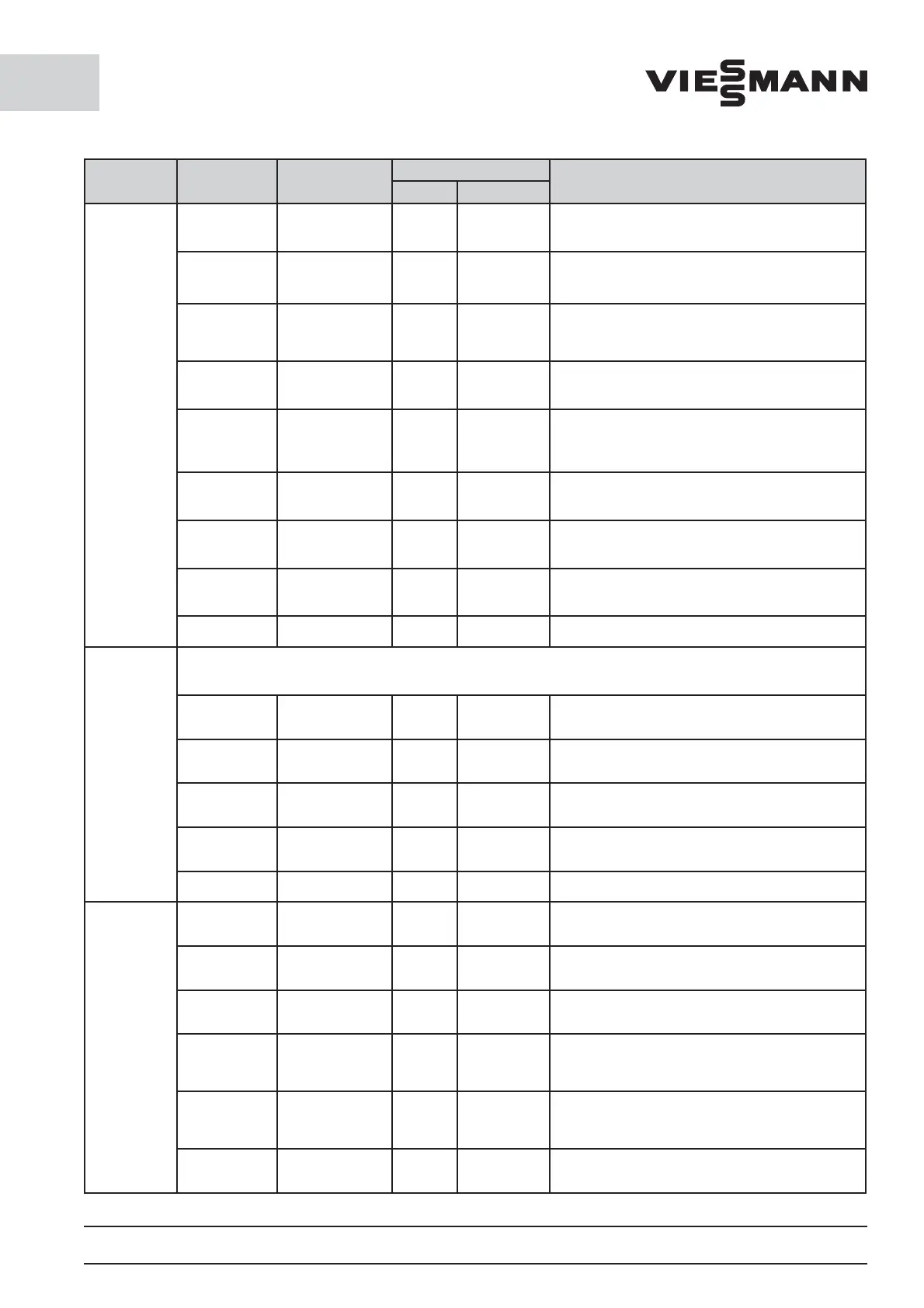
Submenu 1 Submenu 2 Values
Presetting
Description
CS Cooler FS Freezer
Limiting
values/
alarm
Mute time o 0 min to 99 min 60 min 60 min Duration for which a con rmed error is suppressed.
Alarm delay
time for tem-
peratur
0 min to 99 min 60 min 60 min
Time interval after which the upper or lower tem-
perature alarm has been triggered.
Pr. Time door 0 min to 10 min 4 min 2 min
Duration after which the door alarm should be
triggered (only in the case of installed door contact
switch).
Door contact
(optional)
Yes / No Yes / No Yes / No
Determination of whether the inlet door contact
switch can be evaluated.
Personal
alarm
(optional)
Yes / No Yes / No Yes / No
Determination of whether the inlet personnel alarm
can be evaluated.
Filter alarm
(optional)
Yes / No Yes / No Yes / No
Determination of whether the inlet filter alarm can
be evaluated.
High temp.
alarm
0 K to 20 K 10 K 10 K
The value set added to the cut in temperature is the
high alarm set point.
Low temp.
alarm
0 K to 20 K 5 K 5 K
The value set added to the cut out temperature is
the low alarm set point
Back
Network
Attention!
The settings under this menu item require a restart!
Use DHCP Yes / No Automatic address assignment via server (DHCP)
IP-address
(enter the
number)
Manual input of the IP address.
Subnet mask
(enter the
number)
Manual input of the subnet mask.
Gateway
(enter the
number)
Manual input of the Gateway.
Back
Control
panel
User Pin
12345 (User)
90210 (Service)
Default entry for operator can be modified by the
service personnel.
T. authenti-
cated
1 min to 60 min 1 1
Time interval after which the user at the
operating panel is logged out.
Contrast 10 to 50 20 20 Contrast of the screen
T screen sv. 5 sec to 1000 sec 60 60
Time interval after which the screen saver
is turned on.
Time lighting 5 sec to 1000 sec 90 90
Time interval after which the background lighting
turns o
Time zones Selection table
Time zones for switching between summer/winter
time. Restart required on selection.








 To Next Page