12
Hepburn Operation Guide
GB
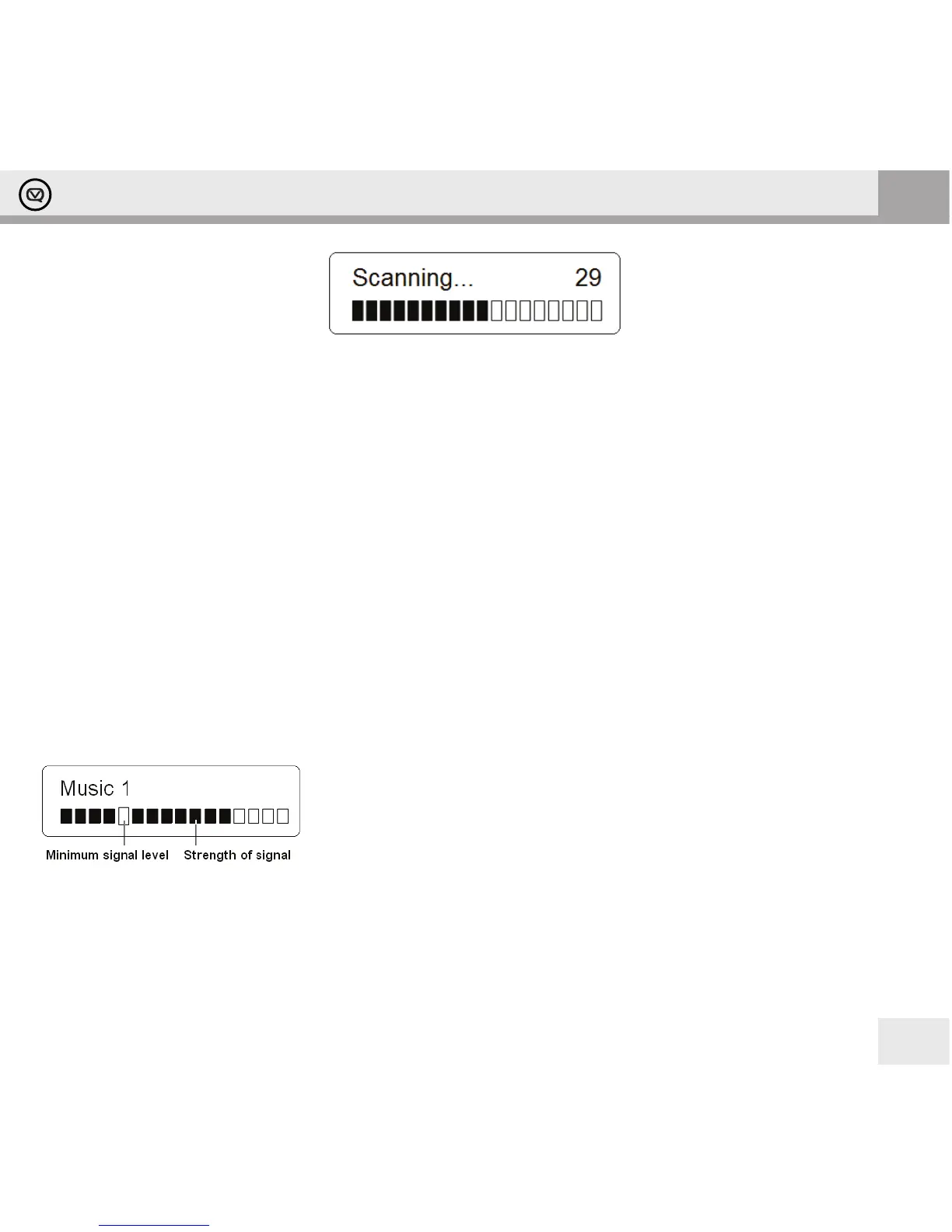
2. Once the scanning is complete the DAB/DAB+ stations will be displayed in alphanumeric order. The rst station in
the list will be selected.
Note: if no DAB/DAB+ signal is found in your area, it may be necessary to relocate your radio to a stronger signal area.
Websites such as www.ukdigitalradio.com in the UK feature handy postcode nders that will tell you what DAB channels
you can expect to receive.
Selecting another DAB/DAB+ Station
While a program is playing, turn the - TUNING + knob to cycle through available stations, and then press the
–TUNING + knob to conrm the station you want to play.
Updating the Stations List
Press the MENU button, turn the -TUNING+ knob to select Full scan, and then press the – TUNING + knob to conrm.
Scan will commence.
Displaying Signal Strength
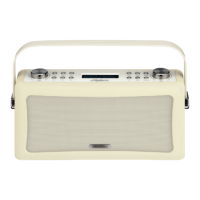
While playing a DAB/DAB+ program, repeatedly press the INFO button until the display shows a signal bar indicating
the strength of the current station.
Manual Tuning
1. Press the MENU button, turn the - TUNING + knob to select Manual tune, and then press the - TUNING + knob to
conrm. The display will show the channel number and frequency.
2. Turn the - TUNING + knob to step through the channels and then press the - TUNING + knob to select the current
channel.
Note: If there is a multiplex corresponding to this channel and frequency, then after a few seconds the display will show a
tuning meter with the signal strength and the multiplex.
The indicator on the signal bar shows the minimum acceptable signal level.
Note: Stations with signal strength below the minimum signal level may not
provide steady audio.


 To Next Page