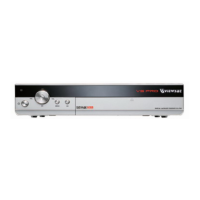
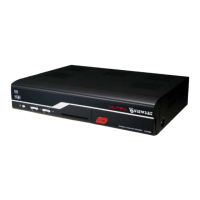
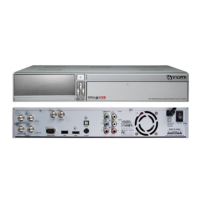
(7) HOW TO RECORD AND PLAYBACK:
•
1. If recording time is less than 30 seconds, the event will not be saved.
•
2. Make sure that Reservations is turned on in the EPG Settings.
•
3. Install a External Hard Drive Formatted by the VS9000HD receiver or the Drive is in FAT 32
format. Use the REAR USB connector to record.
•
4. In the Guide you can select Record now or Future Events by selecting a time to record and then
press F1.
•
5. F1 will give you a selection RECORD / VIEW choose Record.
•
6. Once the selection starts recording a RED (R) will display but will turn off in about minute, you are
still recording if there is a RED indicator light on the VS9000HD Display.
NOTE: Format External Drive via VS9000HD receiver. With the External Drive connected to USB port
select Menu / Main Menu / Media / USB Storage / OK / Yes.
Playback:
•
1. Select Main Menu / Menu / Media / DVR and a list will show with your recordings as
VSHD_DATA / Press OK. In side this folder your recordings will be listed.
NOTE: is software still resides in BETA and problems do accrue so keep a new copy of the
FIRMWARE / Bin File handy, when problems can not be resolved, it’s best to select Factory Default
and load a new Bin File. is will save time and frustrations and get you up and running a lot quicker.
(8) CABLES:
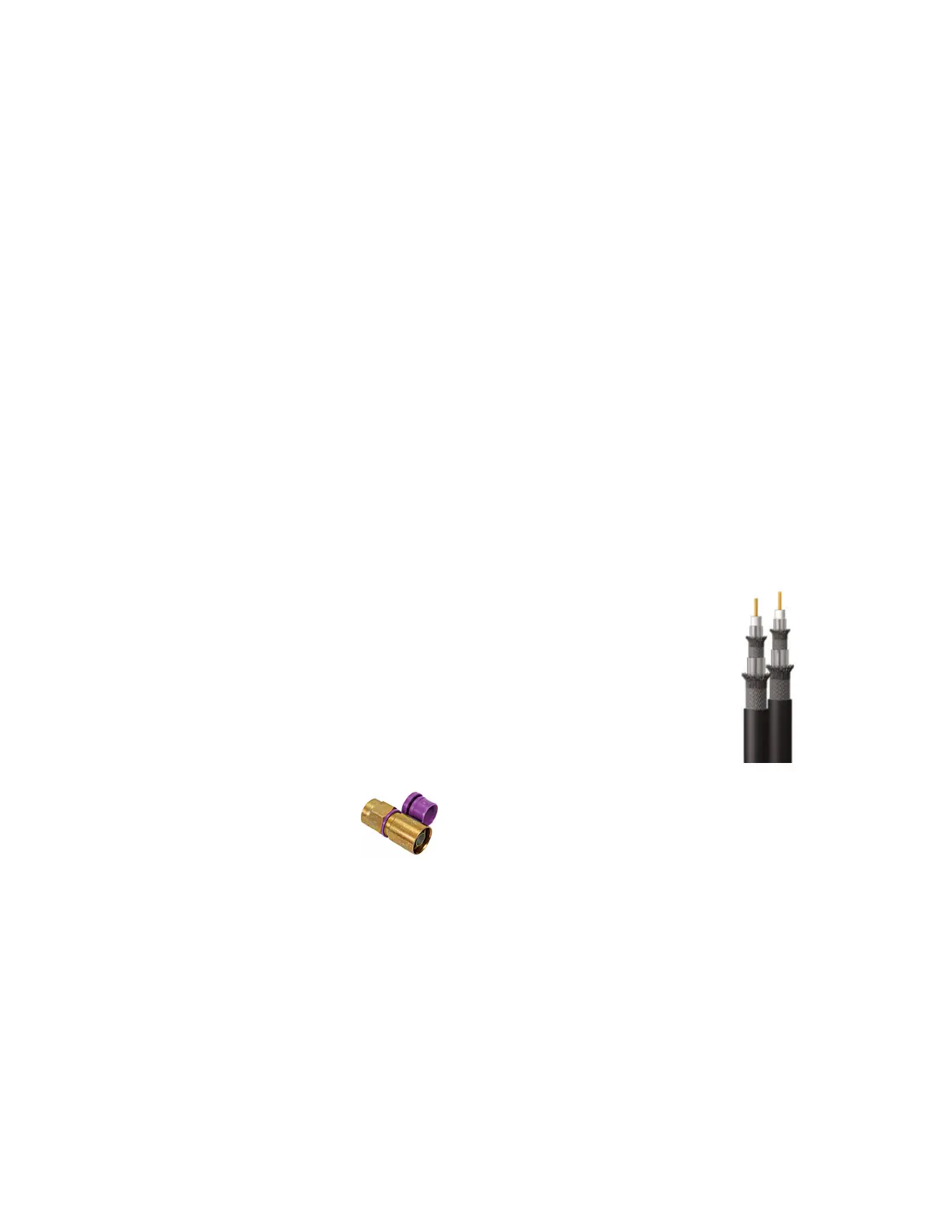
• 1. RG-6, Copper Coated Steal Coax Cable.
Standard Shield with Waterproof Layer, FR-PE Jacket, For Direct Burial.
60% Aluminum Braid Over Foil Provides 100% Shield Coverage.
18AWG Solid .040” Bare Copper-Clad Steel Conductor.
Gas Injected Foam Polyethylene Insulation.
Ideal for RF Applications Like Outdoor TV Antennas and Cable Television.
Aluminum-Mylar Shield and a 60% inner Copper Shield.
CM/CL2 Rated PVC Jacket.
Sweep Tested to 2.2GHz.
Sequential Foot Marking.
UL Listed.
•
2. Snap-N-Seal Connectors are the most effective.
•
connectors used with RG6.
•
3. SPDIF. Optical. Belkin make the best SPDIF Audio Cables in the US.
•
4. RCA Cables. Belkin Make the best RCA Cables in the US.
•
5. HDMI. (High-Definition Multimedia Interface) is the first and only industry-supported,
uncompressed, all-digital audio/video interface. By delivering crystal-clear, all-digital audio and video
via a single cable, HDMI dramatically simplifies cabling and helps provide consumers with the
highest-quality home theater experience. HDMI provides an interface between any audio/video
source, such as a set-top box, DVD player, or A.V. receiver and an audio and / or video monitor, such
as a digital television (DTV), over a single cable.
• 6. 8PSK cable should be RG6 about 7” in length connected between 8PSK Tuner and Loop OUT on
the VS9000HD Receiver.
NOTE: All cables are only as good as they are kept.
Document page.4
VIEWSAT 9000HD User Troubleshooting Guide & Manual. April /2008


 To Next Page