2727
First Time Acvaon
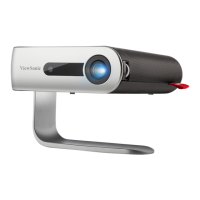
If the projector is acvated for the rst me, you will need to select your Preferred
Language, Projecon Orientaon, and Network Sengs. Follow the on-screen
instrucons using the OK and Up/Down/Le/Right buons on the remote control.
When the “Finish screen” appears, this indicates the projector is ready to use.
Preferred Language
Select the desired language and press OK to conrm the selecon.


 To Next Page