EasyManua.ls Logo

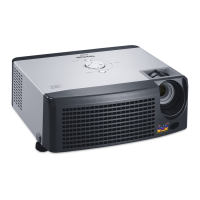
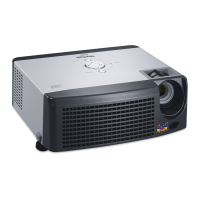
ViewSonic PJ510 - User Manual

ViewSonic PJ510
49 pages
Print Icon
To Next Page IconTo Next Page
Loading...
PJ510
User Guide

Other manuals for ViewSonic PJ510

Questions and Answers

  • A
    Alyssa MillerSep 10, 2025
    What does it mean when ViewSonic PJ510 Projector is lighting in green, simultaneous blinking in red?
    • K
      Karen WardSep 10, 2025
      If your ViewSonic Projector is lighting in green and simultaneously blinking in red, immediately turn the power off and clean or change the air filter.
  • S
    Sara VaughnSep 12, 2025
    What to do if ViewSonic PJ510 Projector is lighting or blinking in red, lighting in red, turned off?
    • J
      Jean YoungSep 12, 2025
      If your ViewSonic Projector is lighting or blinking in red and then turned off, turn the power OFF and wait at least 20 minutes before turning it back on. After the unit has cooled down, confirm the following items before turning the power ON again.
  • J
    Joseph GravesSep 14, 2025
    What to do if ViewSonic PJ510 is lighting or blinking in red, lighting in red, lighting in red?
    • T
      Tiffany ChenSep 14, 2025
      If your ViewSonic Projector is lighting or blinking in red, turn the power OFF and wait at least 45 minutes.
  • K
    Kara CummingsSep 16, 2025
    What to do if ViewSonic Projector shows 'CLEAN THE AIR FILTER POWER OFF FIRST, THEN CLEAN THE AIR FILTER. AFTER CLEANING THE AIR FIL- TER, RESET THE FILTER TIMER.'?
    • S
      Shawn WeissSep 16, 2025
      If your ViewSonic Projector prompts you to clean the air filter, immediately turn the power off and clean or change the air filter.

ViewSonic PJ510 Specifications

General IconGeneral
BrandViewSonic
ModelPJ510
CategoryProjector
LanguageEnglish

Related product manuals