5
Using the Product
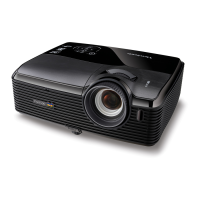
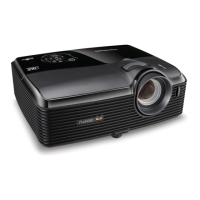
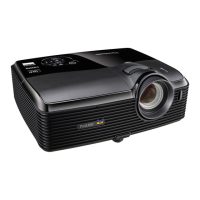
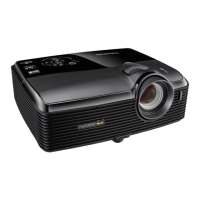
Control Panel
1. Power (Power LED indicator)
Refer to “LED Indicator Messages”.
2. TEMP (Temperature LED indicator)
Refer to “LED Indicator Messages”.
3. LAMP (Lamp LED indicator)
Refer to “LED Indicator Messages”.
4. Keystone/Arrow keys ( /Up, /Down)
Manually correct distorted images resulting from an angled projection.
5. Four directional buttons
Use four directional buttons to select items or make adjustments to your selection.
6. ENTER
Enter to sub-menu and confirm the menu selection.
7. SOURCE
Display the source selection bar.
8. MENU/EXIT
Display or exit the on-screen display menus.
9. Power
Turn the projector on or off.
10. Right/Panel key
Activate panel key lock.
1 3
4
6
7
5
4
2
8
9
10




 To Next Page

